Target Mode
Target Mode is exactly what it sounds like: the operator tells the Mixmate how much to measure through each plumbing input.
Included Tier
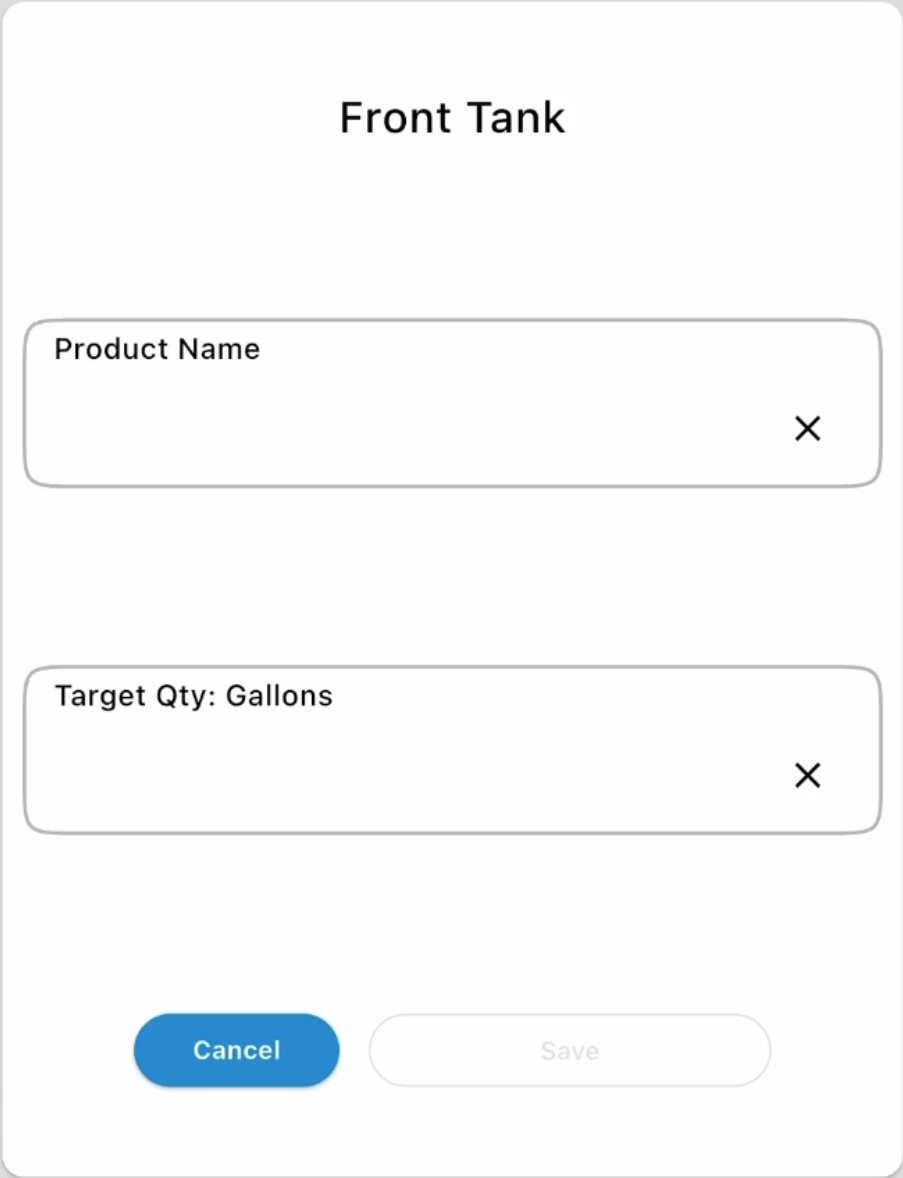
Section titled “Included Tier”Each plumbing input lets the operator enter a product name into a text field, then enter the target amount. Inductors allow more than one product/amount to be added.
Note: Since there's no Product record to carry its own Rinse Amount at this tier, the rinse amount used comes from the group-wide default set on the Group Settings page.
Basic, Full, and Premium Tiers
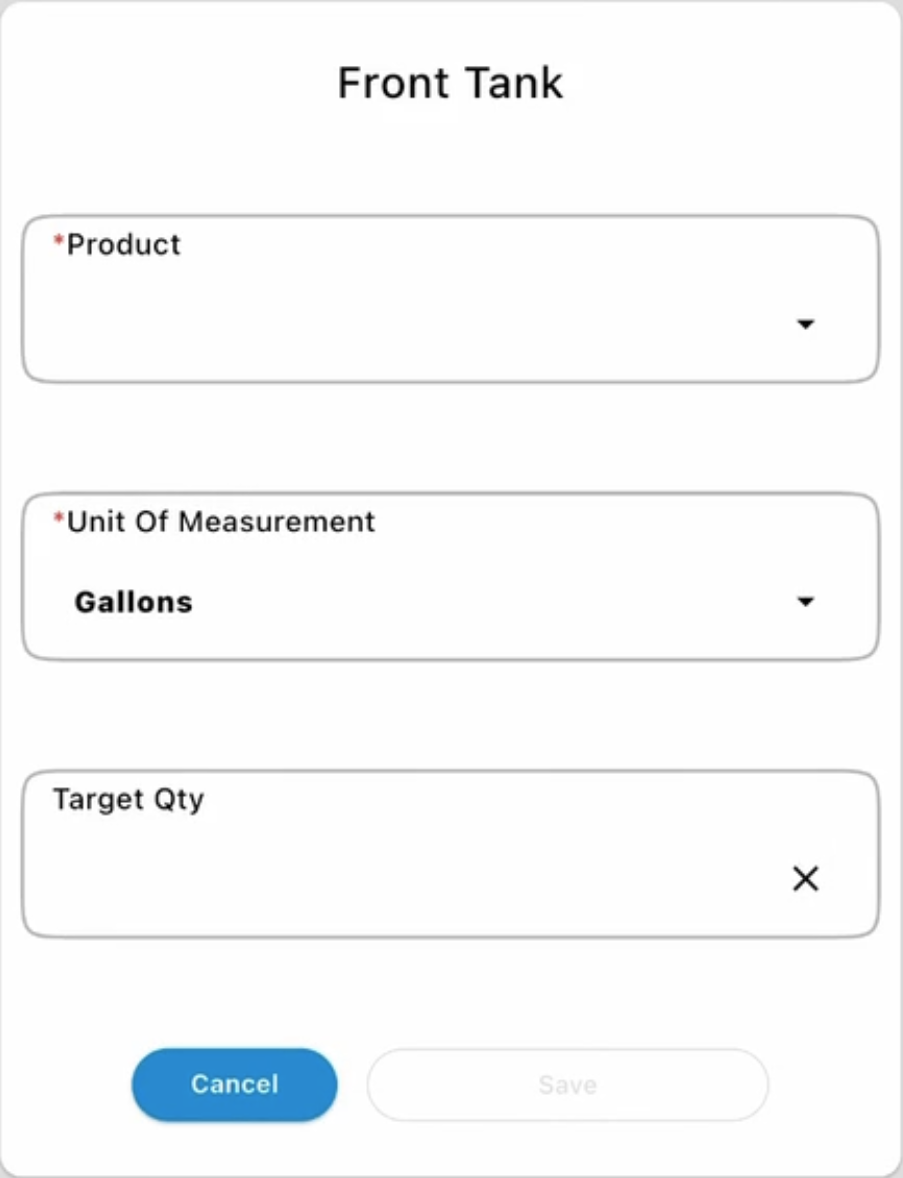
Section titled “Basic, Full, and Premium Tiers”Instead of typing a product name into a text field, the operator selects the product from a Product dropdown, and the Unit of Measurement is chosen separately from its own dropdown before entering the Target Qty.
Weight vs. Volume Targets
Section titled “Weight vs. Volume Targets”- Fusion and Pro Inductors: At the Included tier, the target must be entered in weight. There is no Product carrying a density value at this tier, so there's no way to convert that weight to a volume.
- Mixmate SI Inductor: Allows both weight and volume target amounts, at every subscription tier.
Running the Mix
Section titled “Running the Mix”Once all amounts have been entered, the Mixmate runs the mix using the Mixmate Control product mix style.
- Included Tier: These mixes do not generate a Work Record.
- All other tiers (Basic, Full, Premium): Any mix completed with Target Mode generates a Work Record.