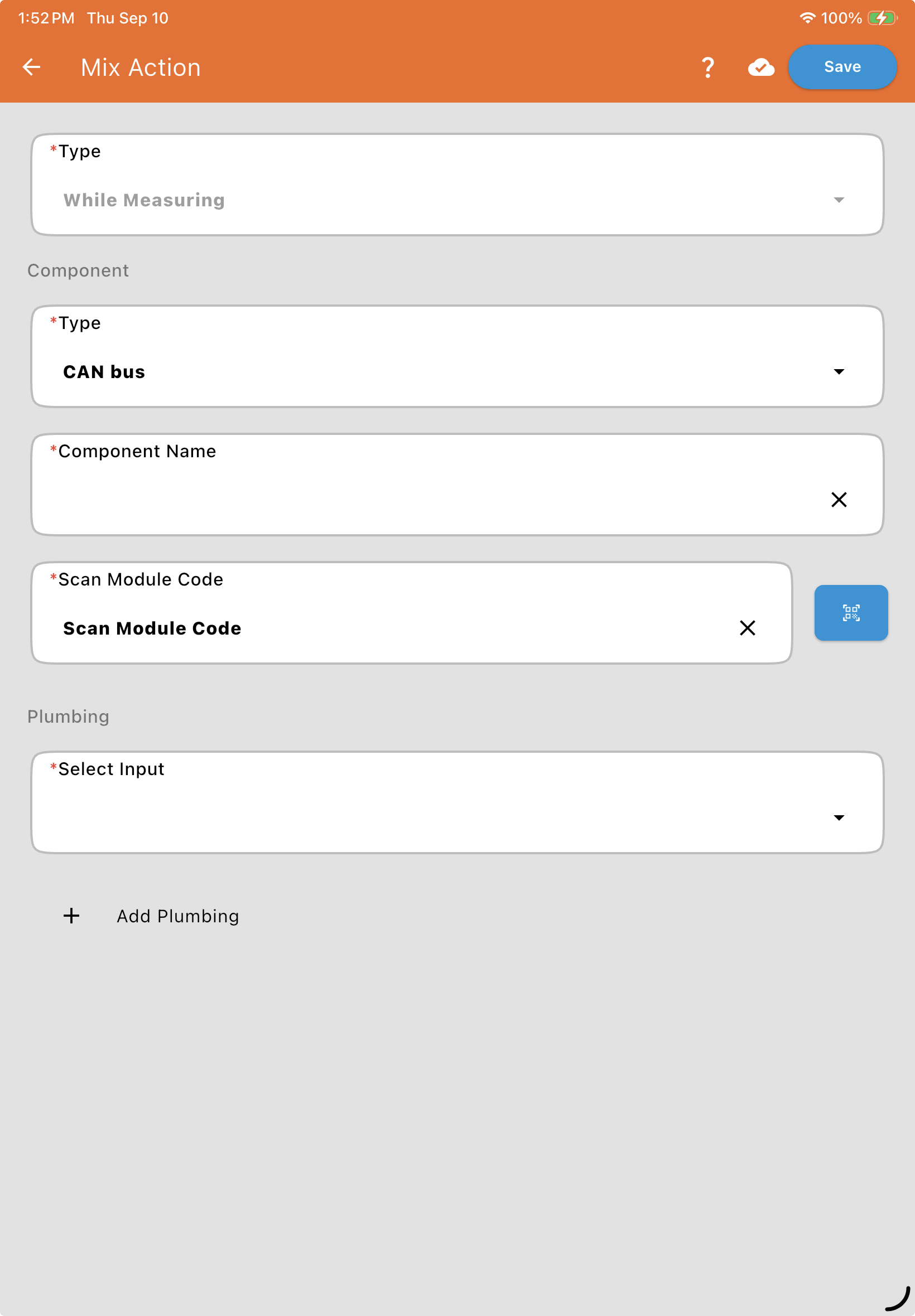
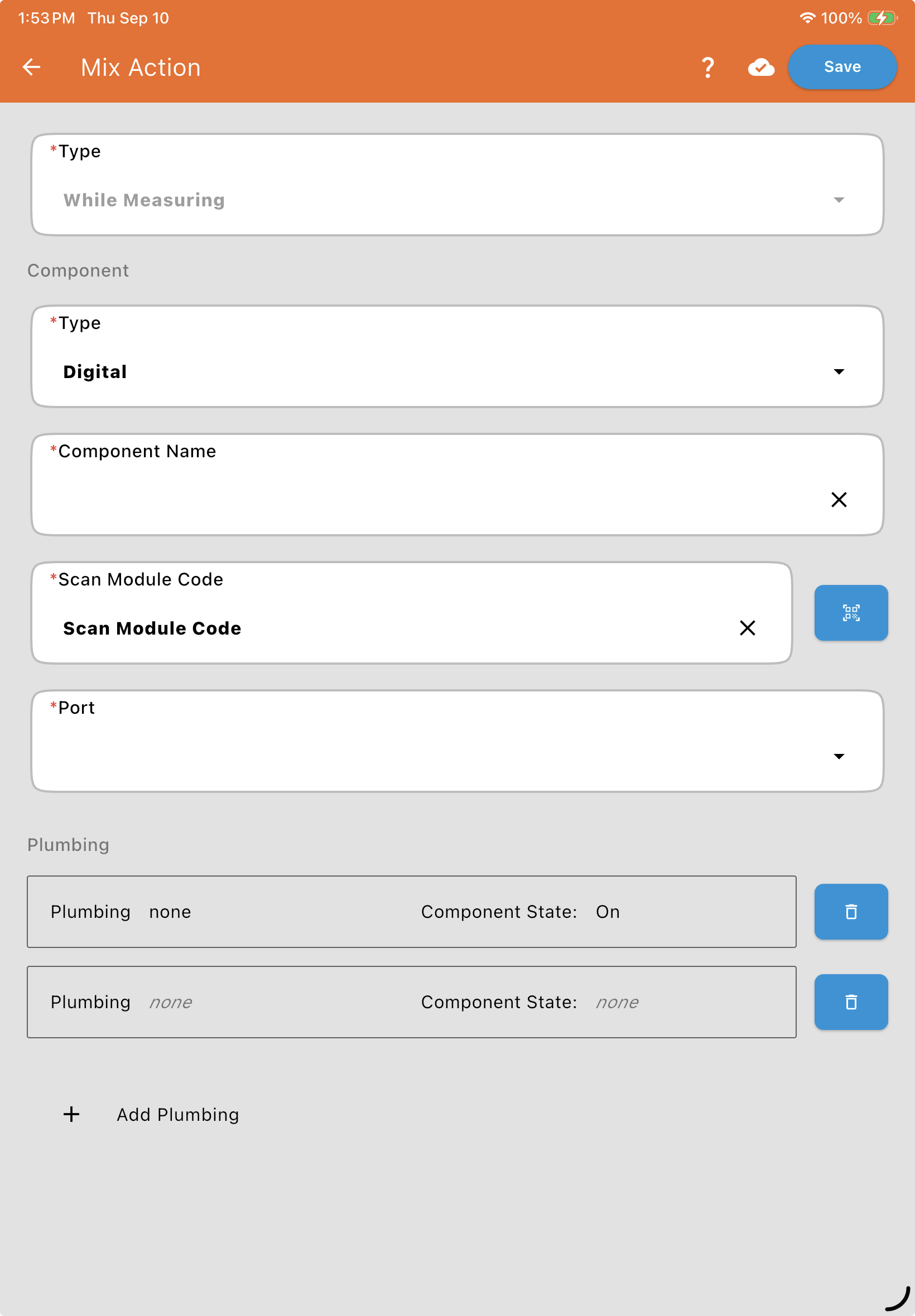
While Measuring
This is a more "narrow" trigger than During Operation.
Behavior: The component only operates while product is actively flowing/being measured. As soon as the meter or scale hits the target for that specific product, the component shuts off. It will not run during the prefill or rinse phases of that product's operation.
Common Use: Product boost pumps that are only needed to move the chemical itself.
Component: Choose its Component Type, CAN bus or Digital, then enter a Component Name* and either its Valve Information (QR Code)* (CAN bus) or where it's Wired To* (Digital: its module and port, since a Digital module can drive more than one component), and its Serial Number. See Valve and Flowmeter Fields. If the valve is a 3-way valve, you'll also name its two positions with Left Name* and Right Name*.
Select Plumbing Input: Choose the specific plumbing that should trigger this component.
+ Add Plumbing: Tap this to trigger the component from more than one plumbing input. Each gets its own row with a Select Input dropdown and a Component State dropdown (On/Off, or the valve's Left/Right names for a 3-way valve). Use the trash icon to remove a row.