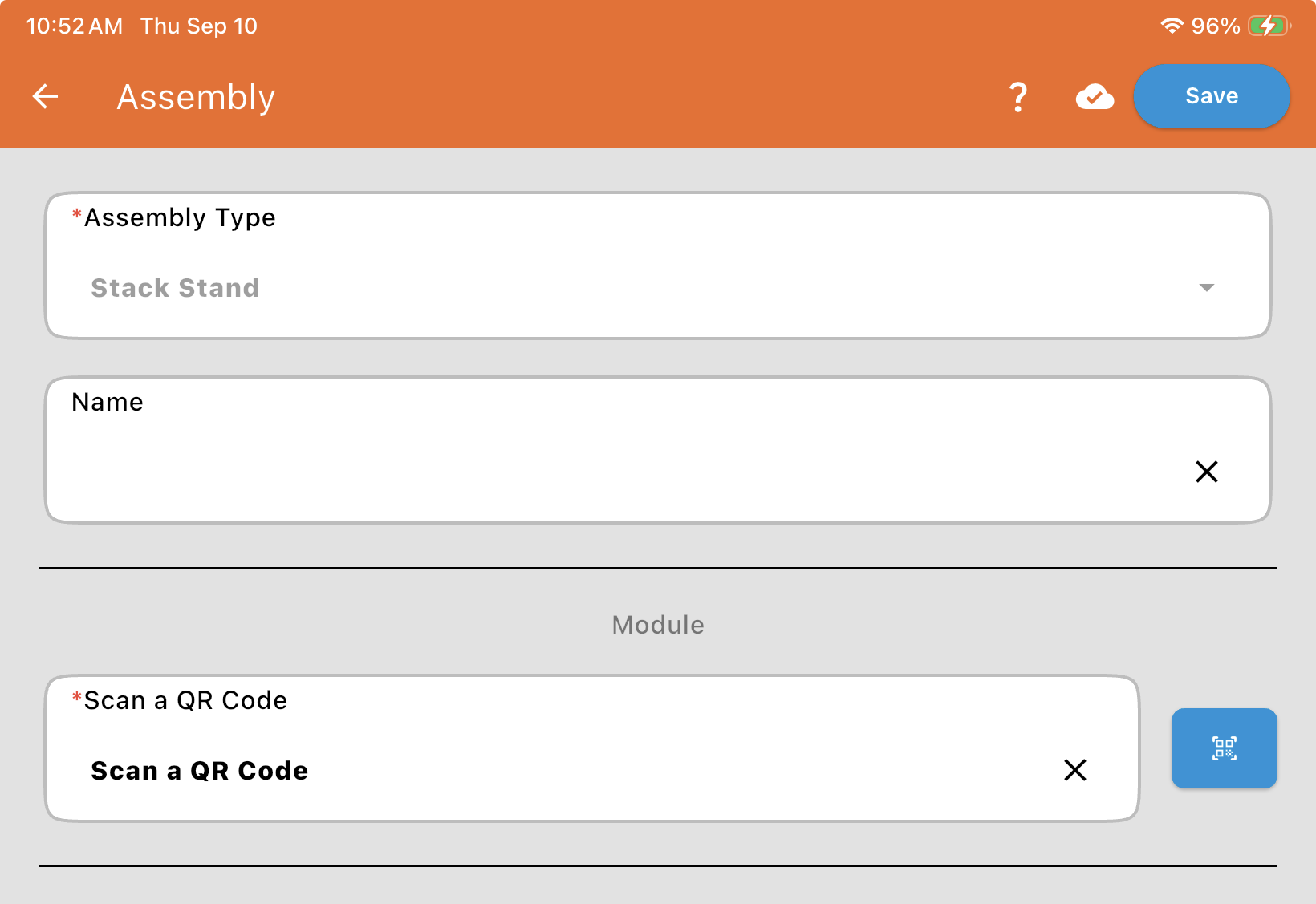
Stack Stand Assembly
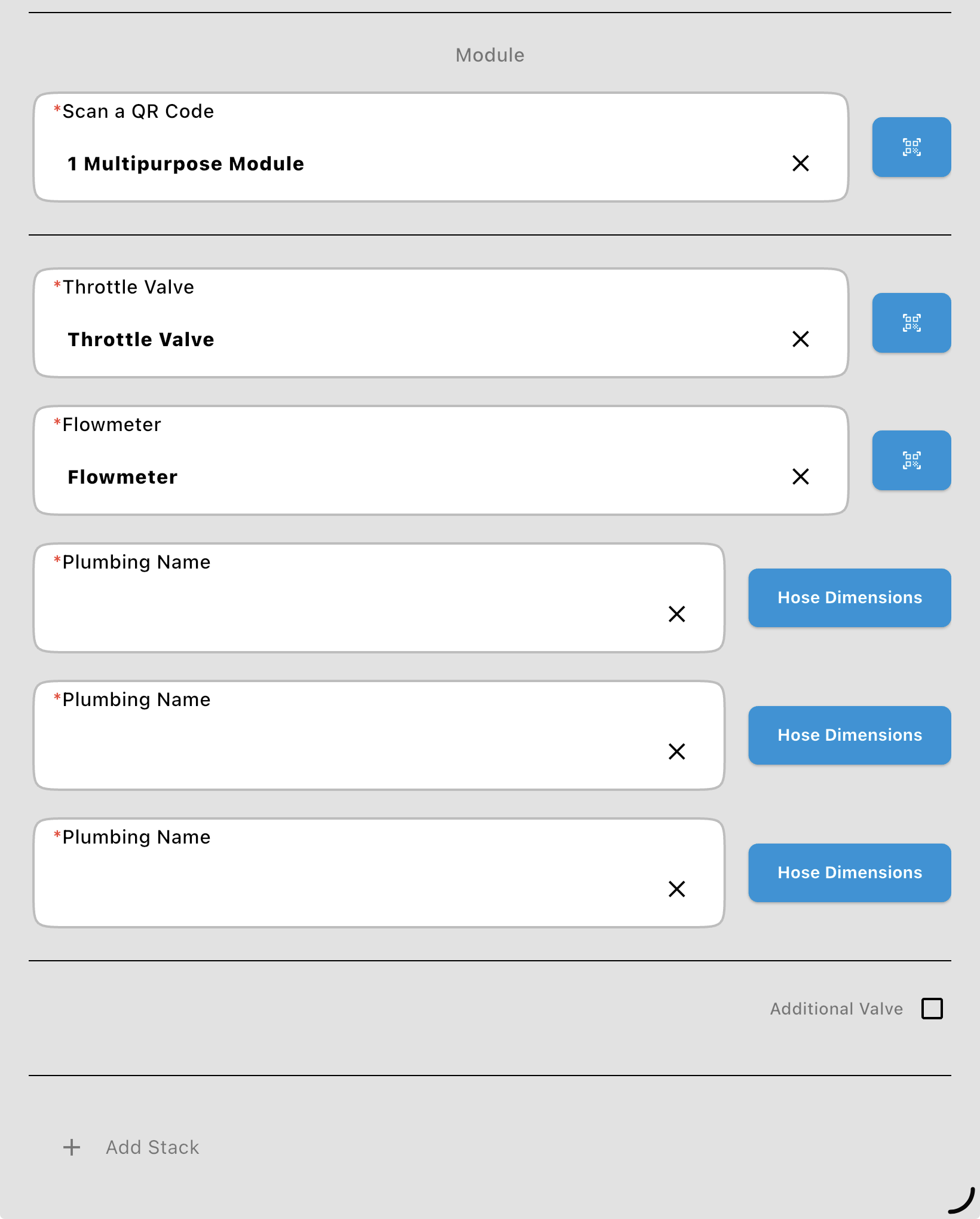
Module: Scan or enter the Multipurpose Module this stack is wired to.
The Stack
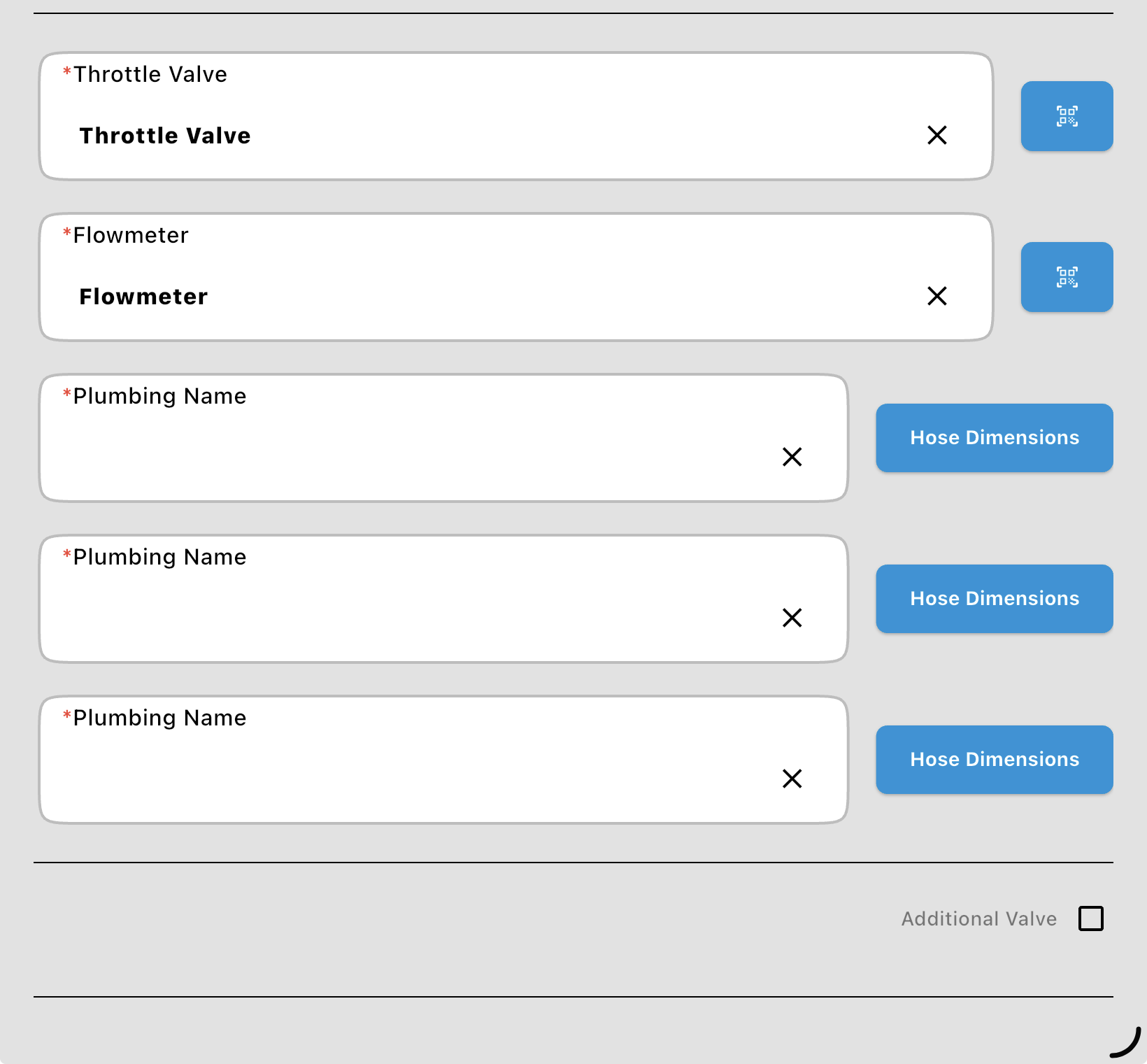
Section titled “The Stack”Each stack is shown under its own heading (Stack 1, and Stack 2 on a dual-stack stand), with its parts in a shaded panel. The parts are listed top to bottom, the way the stack stands on the machine, each in its own card:
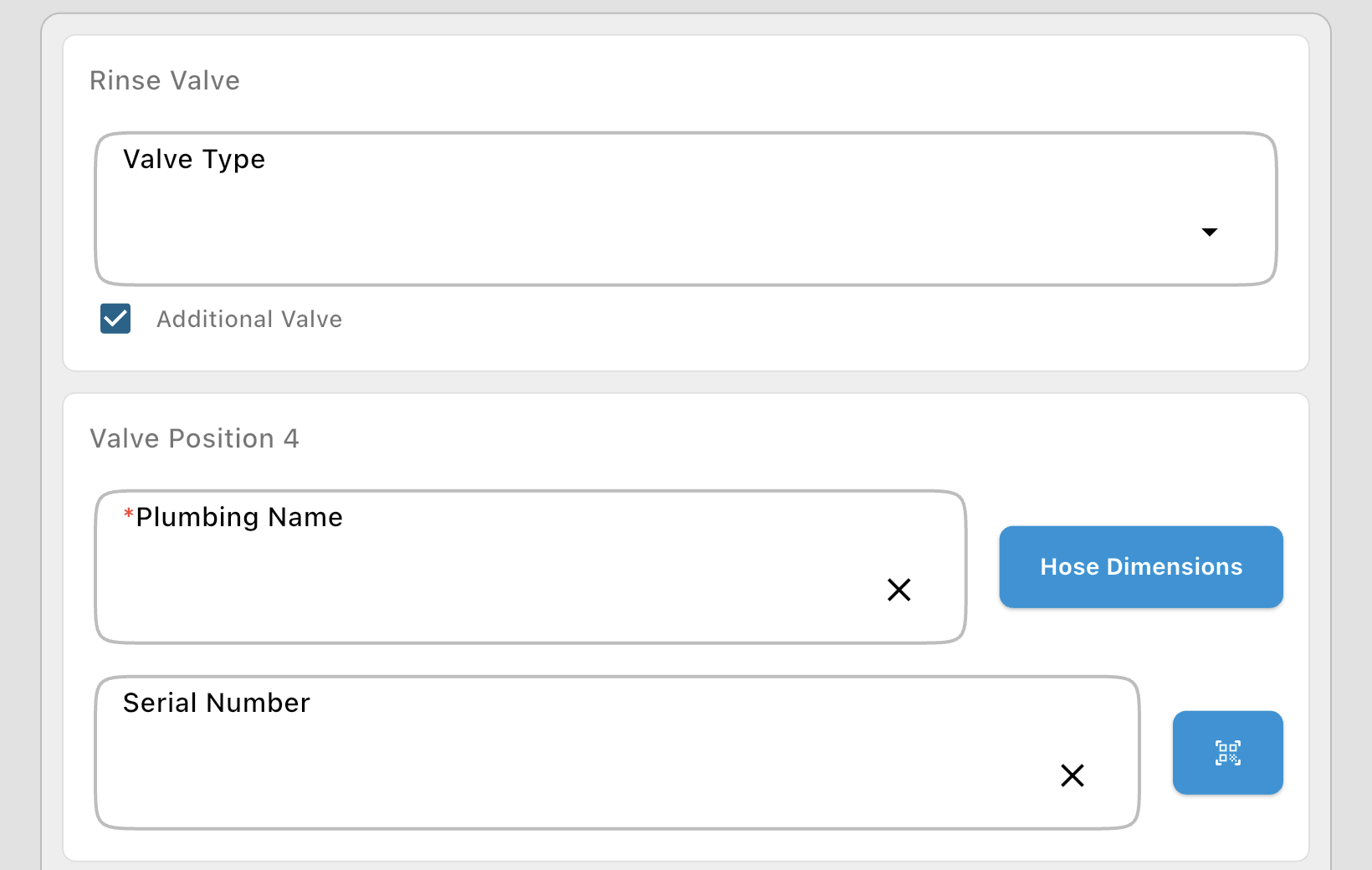
Rinse Valve: The valve at the top of the stack. Enter its Serial Number (see Valve and Flowmeter Fields).
Valve Position 3, 2, 1: The plumbing inputs. Valve Position 1 is the one next to the flowmeter, counting up the stack. Each has a Plumbing Name (shown when choosing the input for a product), Hose Dimensions (see Where do I enter hose dimensions for the inputs?) and the valve's Serial Number. When the stack flowmeter's calibration is outside the usual range, each position also has an Input Calibration (count/L).
Flowmeter: The stack flowmeter's own code: its serial number and calibration (counts per liter).
Throttle Valve: At the bottom, the valve closest to the 3-inch tee of the main line (between the tee and the flowmeter). It's a CAN bus valve, entered by its Valve Information (QR Code).
Additional Valve
Section titled “Additional Valve”Tick Additional Valve in the Rinse Valve card when a valve has been added to the top of the stack. The rinse valve becomes the next valve position (Valve Position 4), keeping its wiring and serial number, and the new valve at the top becomes the rinse valve: enter it in the Rinse Valve card (its Valve Type, wiring and Serial Number). Untick it to put the stack back as it was.
Dual-Stack Stands
Section titled “Dual-Stack Stands”+ Add Stack: Adds a second stack (Stack 2), with its own Rinse Valve, Valve Positions, Flowmeter and Throttle Valve, for a dual-stack stand.
Remove: Stack 2's heading has a Remove button, to take the second stack off. You're asked to confirm, since everything entered for that stack is removed. Stack 1 can't be removed.