Pre/Post Mix
The Pre/Post Mix tab is used to automate auxiliary tasks that occur either before the mixing process begins or after it is completed. These are essential for system maintenance tasks like clearing lines or pre-rinsing a manifold.
1. Timing Selection
Use the Pre Mix/Post Mix toggle to determine when this action should occur:
Pre Mix: The component runs before any product is added to the mix.
Post Mix: The component runs after the entire mixing process is finished.
2. Run with Recovery Operations
This toggle determines if the action should still trigger if a mix is interrupted and saved.
Toggle ON: The operation will run even if the mix is stopped in the middle and saved for recovery.
Toggle OFF: The operation will only run if the mix is completed successfully.
Example: You typically set this to OFF for an Air Purge. If you stop a mix halfway through to fix a leak and save it for recovery, you do not want the system to blow air through lines that are still full of chemical.
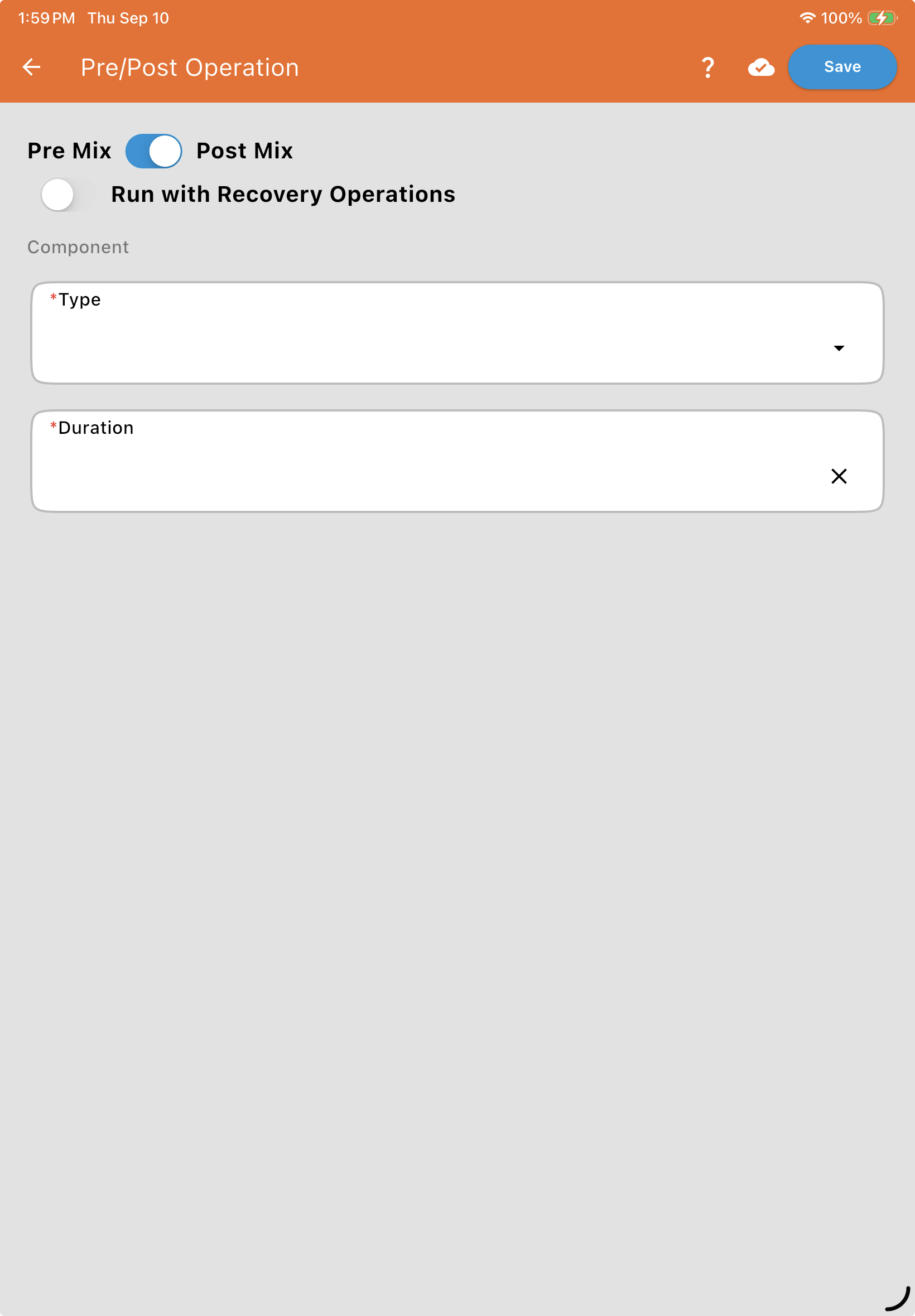
3. Component Configuration
Define the physical device that will be performing the action. Choose its Component Type, CAN bus or Digital, then enter a Name* and either its Valve Information (QR Code) (CAN bus) or where it’s Wired To (Digital: its module and port, since a Digital module can drive more than one component), and its Serial Number. See Valve and Flowmeter Fields.
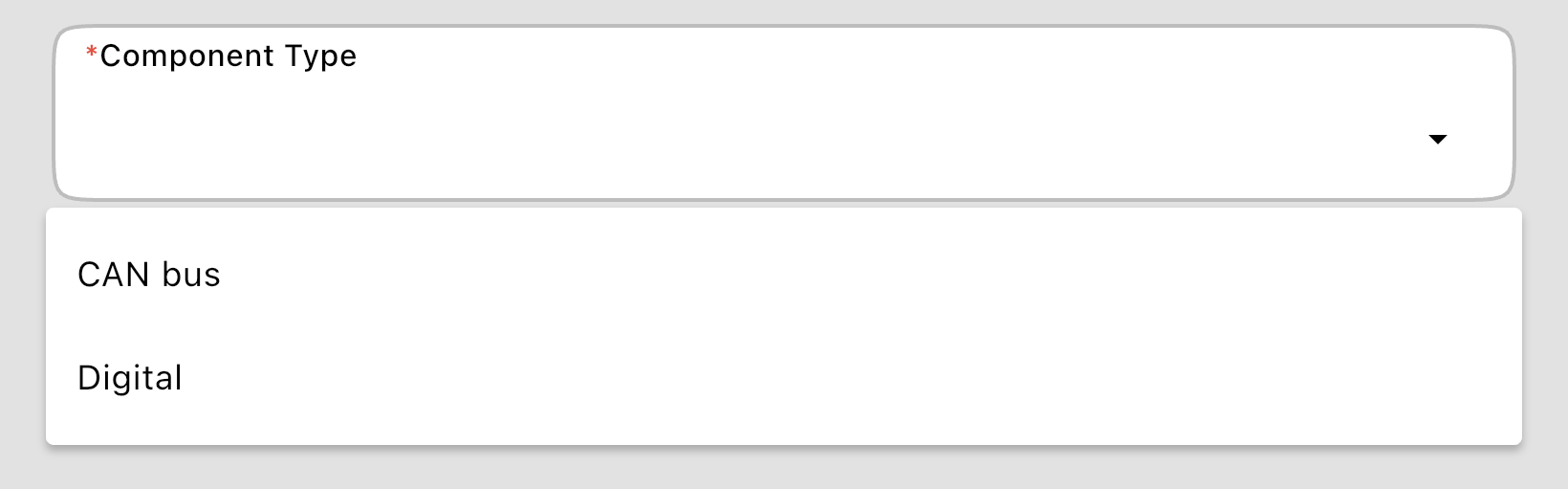
Digital: The most common selection for items like Air Valves or Rinse Pumps, as they only require a simple "on/off" signal rather than variable position control.
CAN bus: Used for smart valves where the system needs to communicate with a specific serial number.
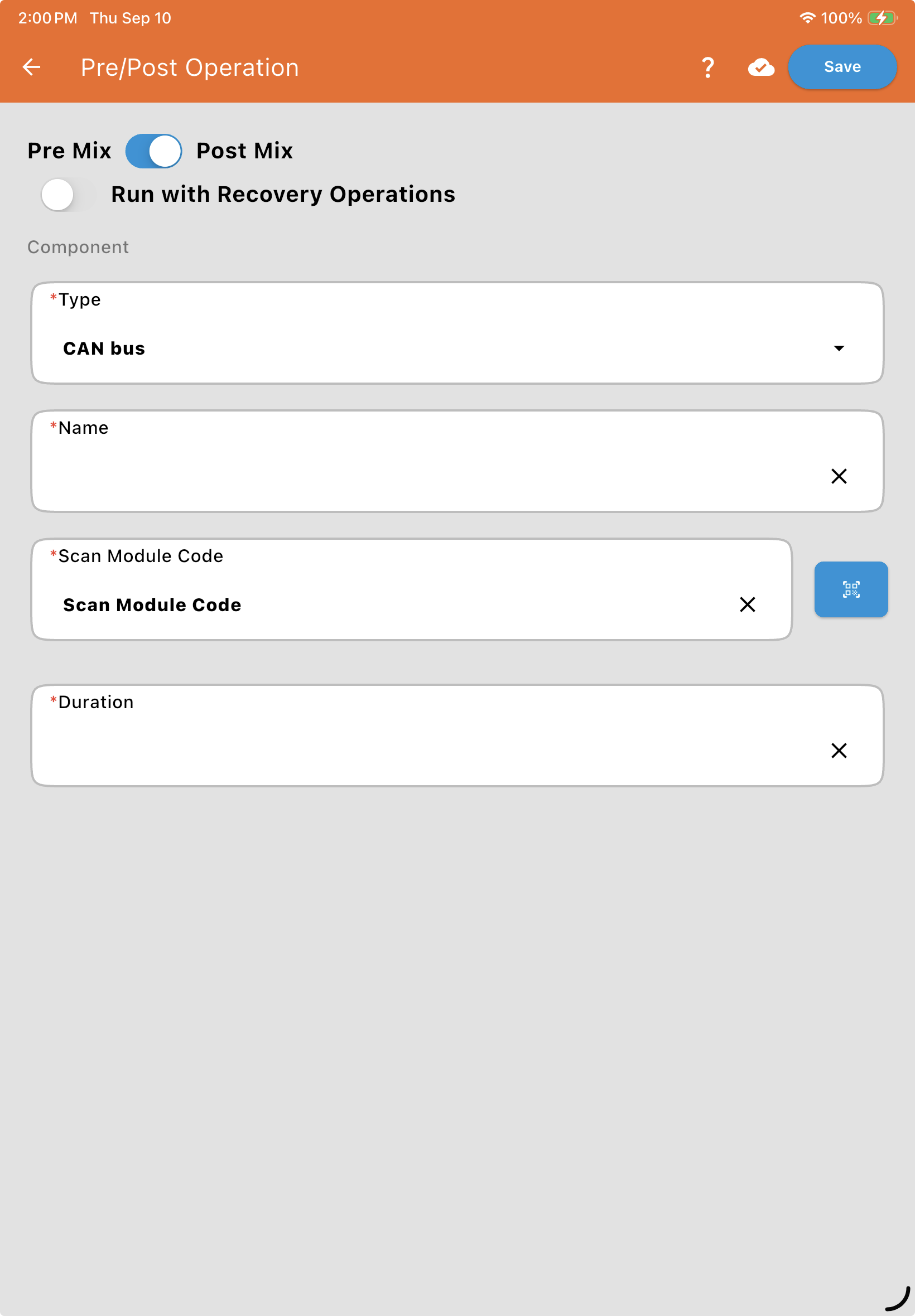
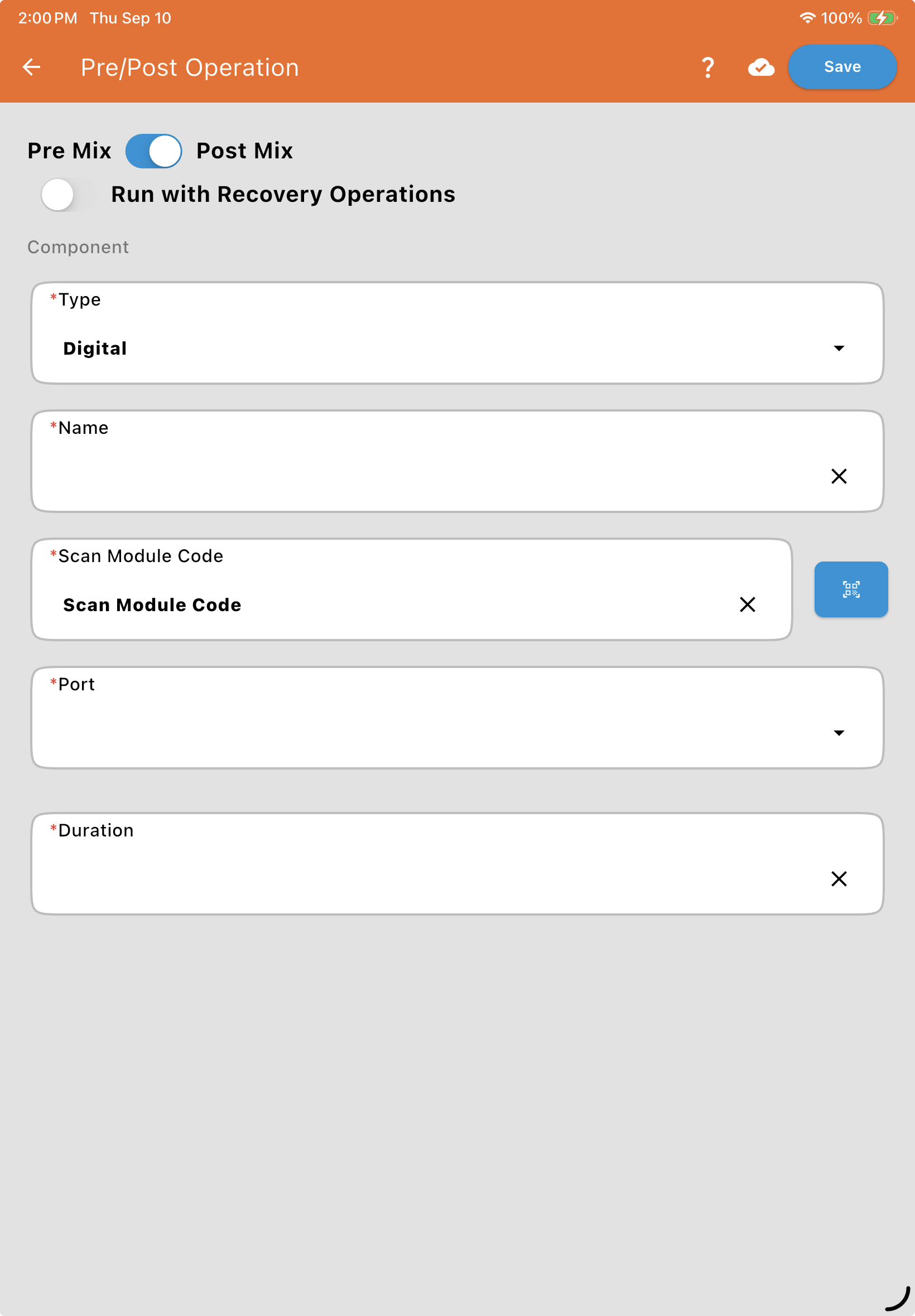
4. Duration
Duration (Seconds): Enter the number of seconds you want this component to run.
Tip: For air purges, set the duration long enough to clear the liquid out of your longest hose run.
Common Use Case: Post-Mix Air Purge
A typical setup for a system air purge would be configured as follows:
Selection: Post Mix
Run with Recovery: OFF
Component Type: Digital (Solenoid-controlled air valve)
Duration: 15–20 Seconds