Managing Current Inventory
Tier: Add-on at Full; included automatically at Premium.
Note: If your subscription includes Advanced Inventory (a Premium add-on), it replaces this countdown: each Mixmate keeps its own inventory of each product, so tablets on different Mixmates no longer affect each other. Tablets sharing one Mixmate still need the syncing routine described below.
The system can track how much product is left in your containers. This helps prevent running out halfway through a mix, but it's designed as a simple countdown — it's important to understand its limitations in different operational setups.
Prerequisites: Besides being unlocked for your tier (see above), Use Inventory Countdown must be turned on in Group Settings, and you must have a Container Size set in the product settings.
The Countdown: The app displays a simple countdown of the remaining volume. When you enter a starting quantity for a product, Mixmate subtracts the amount used during each mix from that total — e.g., start with 1,000 gallons, complete a mix using 100 gallons, and the tablet now shows 900 gallons remaining.
Warnings: When you start a mix from Mix Preview, you will see a LOW PRODUCT WARNING if:
You do not have enough product to finish the current mix.
The container will end up with less than 10% remaining after the mix.
How to Edit Inventory — if the number in the app doesn't match what is physically in the tank, you can update it in two ways:
Go to the main Product Page.
Quick Edit: On the Mix Preview page, press the pencil icon floating action button in the bottom-left corner to switch the product cards into edit mode, then tap the Current Inventory button on the product's card.
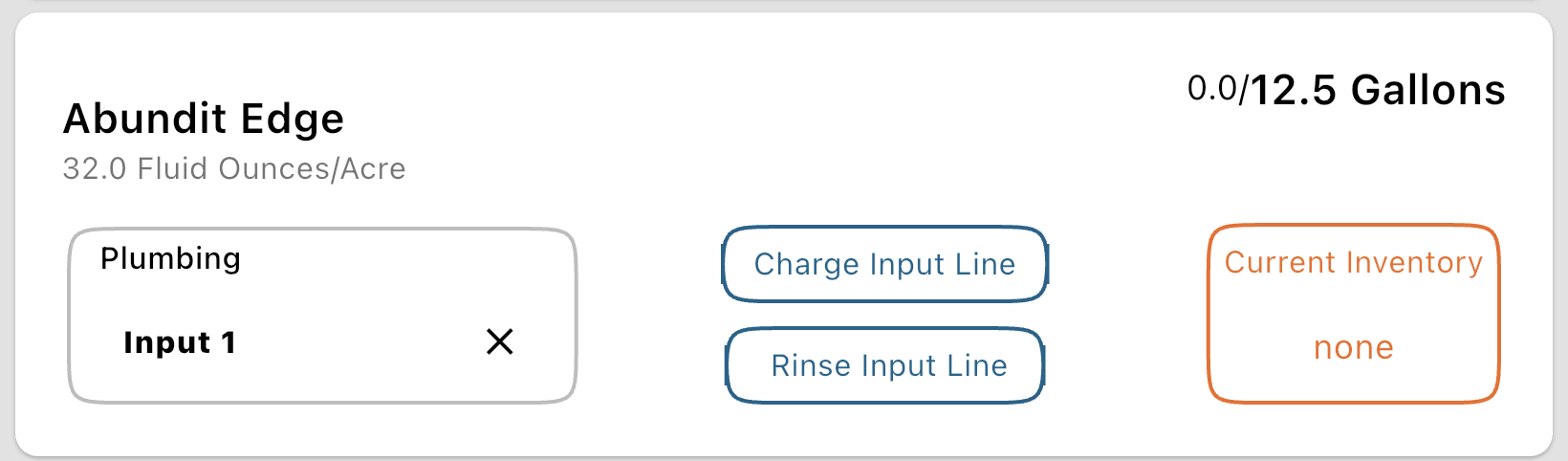
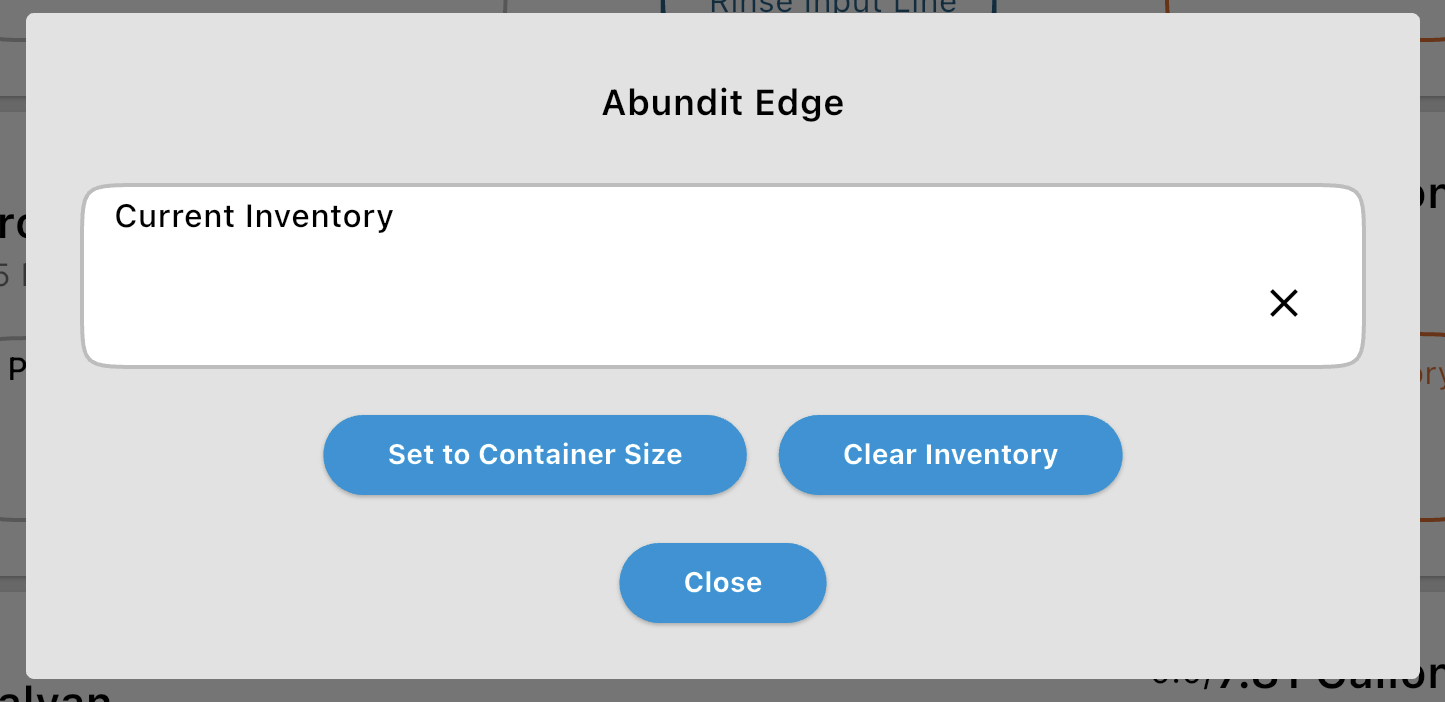
This opens a small dialog with the Current Inventory value and two quick-action buttons:
Set to Container Size: Resets the inventory to the product's full Container Size — useful when you've just loaded a fresh container.
Clear Inventory: Empties the value entirely, which turns off inventory tracking for this product until a new starting quantity is entered.
Single-Tablet vs. Multi-Tablet Operations
Section titled “Single-Tablet vs. Multi-Tablet Operations”Inventory tracking is most accurate for "Standalone" users — operators who use a singular tablet and a single Mixmate hardware stack. Since all mixes are processed through the same device, the countdown remains consistent and accurate in real-time.
If your company uses multiple tablets (e.g., three different spray coupes or multiple loading stands) drawing from the same bulk chemical supply, the inventory is not updated across all devices instantly. Tablet A does not know what Tablet B has pumped until both devices have successfully synced their data with the Intersect Cloud.
The Recommended SOP (Standard Operating Procedure) — if you are operating in a multi-tablet environment but still want to use the Inventory countdown, your team must follow a strict syncing protocol:
Sync BEFORE the mix: Ensure your tablet has the most recent inventory totals from the cloud.
Sync AFTER the mix: Push your updated "remaining" totals back to the cloud so other operators can see the change.
Summary: Should you use it?
YES: If you are a single operator on a single machine.
PROBABLY NOT: If you have multiple machines running simultaneously and cannot guarantee a data sync between every single mix. In this scenario, the inventory numbers will likely drift and become inaccurate, leading to confusion in the field.