System Tab
To access this tab, go to Data > Mixmates > tap the three dots on your Mixmate's card > Configuration > System.
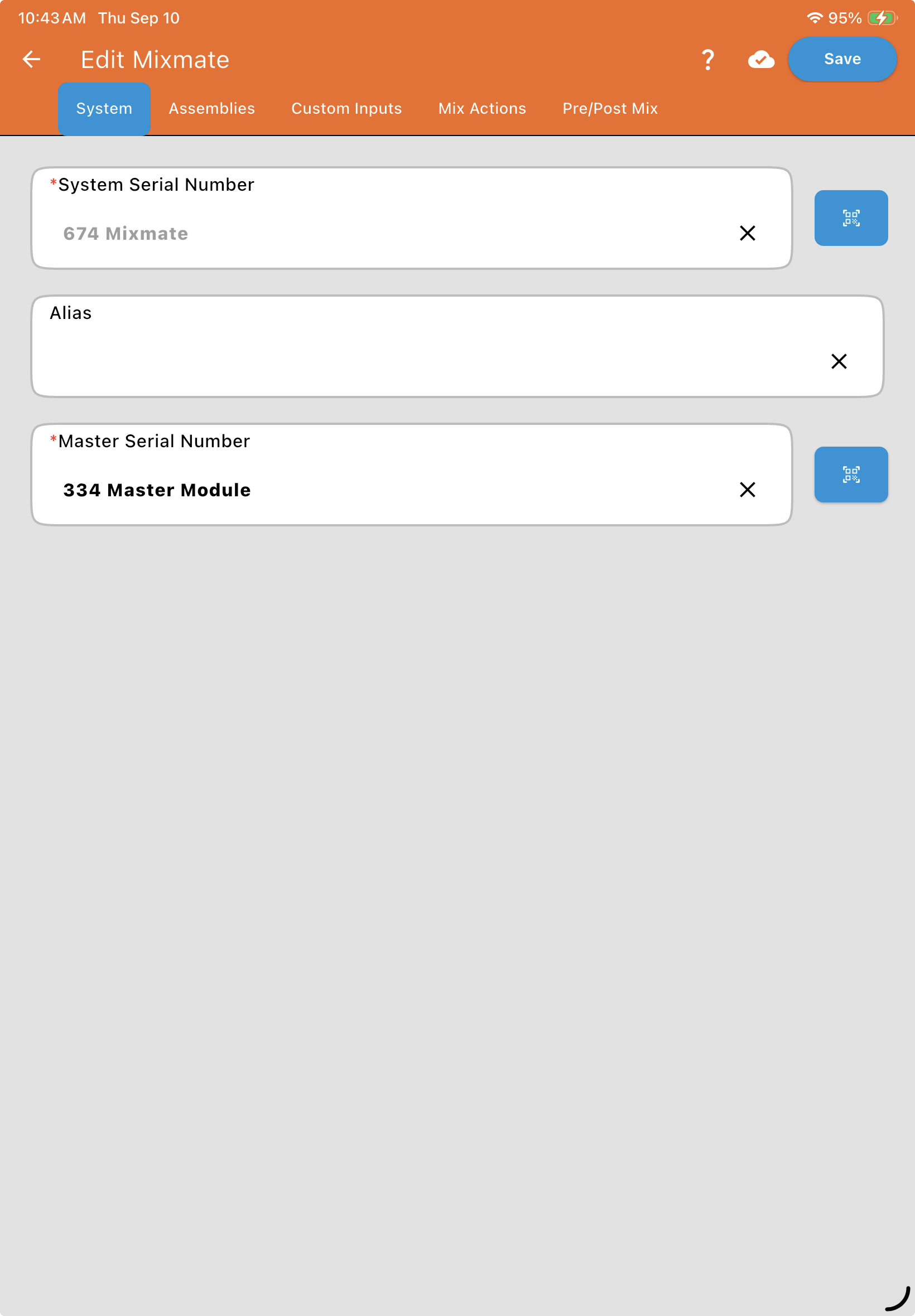
System Serial Number
Section titled “System Serial Number”The System Serial Number is a permanent identifier entered by the manufacturer.
This field is not editable.
Note: Always have this number ready when calling technical support or referencing this specific machine in your records.
The Alias is a custom name you give to the machine (e.g., "North Trailer" or "Main Plant Mixmate").
This name appears in your dropdown menus when selecting which machine to use for a job.
Using a clear, distinct Alias is helpful if your organization operates multiple Mixmate units.
Master Serial Number
Section titled “Master Serial Number”The Master Serial Number is the unique ID associated with the physical Master Module installed on your machine.
This number acts as the "handshake" between your app and the hardware.
The app uses this serial number to establish the Wi-Fi communication link required to run mixes and updates.