Carrier Assembly
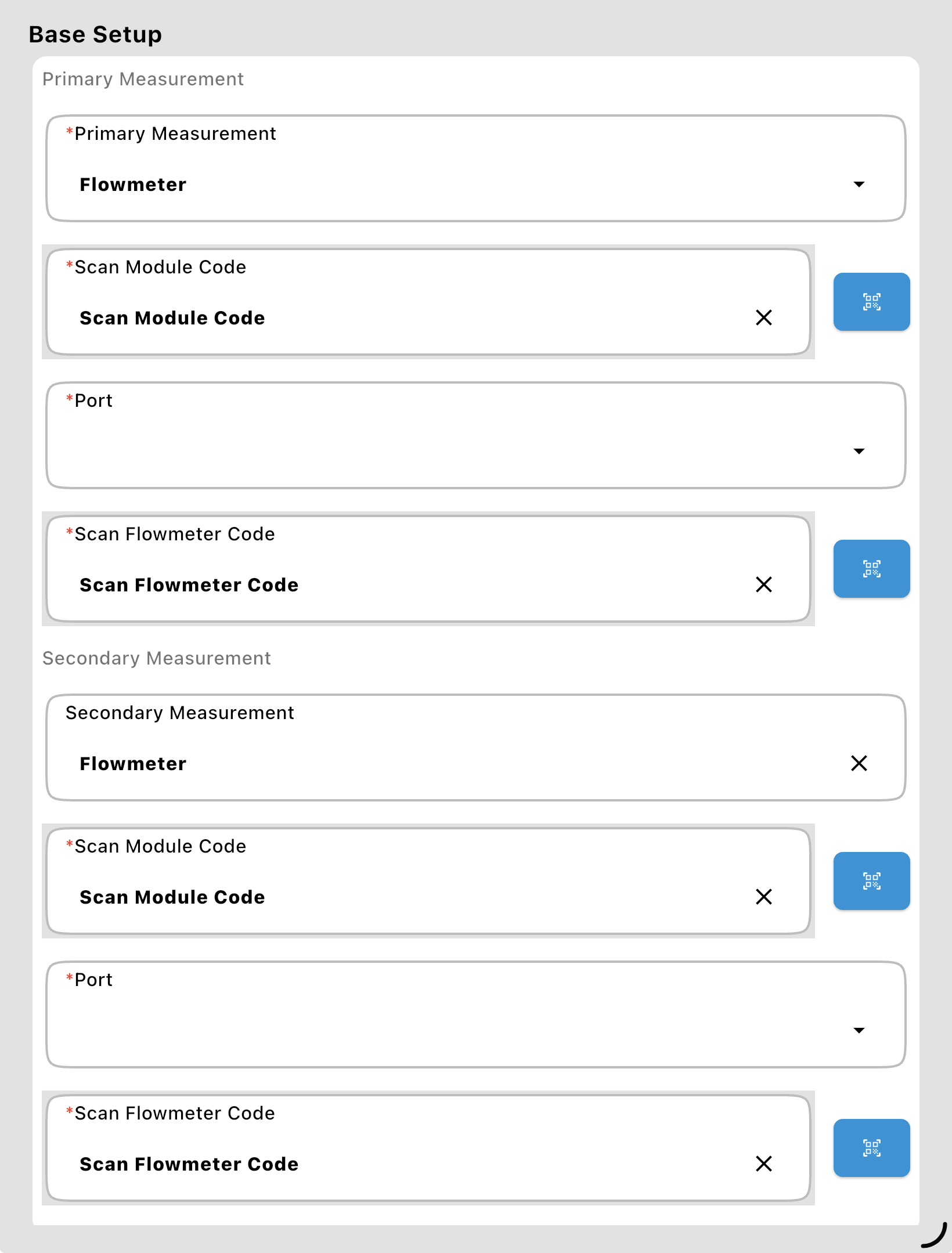
Primary Measurement: Defines the flowmeter used for the main carrier product. Choose Flowmeter (Gear or Mag) or Mass Flowmeter, then enter where it's Wired To (its module and port) and scan or enter its Flowmeter Code (serial number and counts per liter) (see Valve and Flowmeter Fields). A Mass Flowmeter's Wired To holds just its module; its volume and weight ports are entered with their calibration factors.
Secondary Measurement: Optional; defines the flowmeter for rinse water if the plumbing requires a separate measurement.
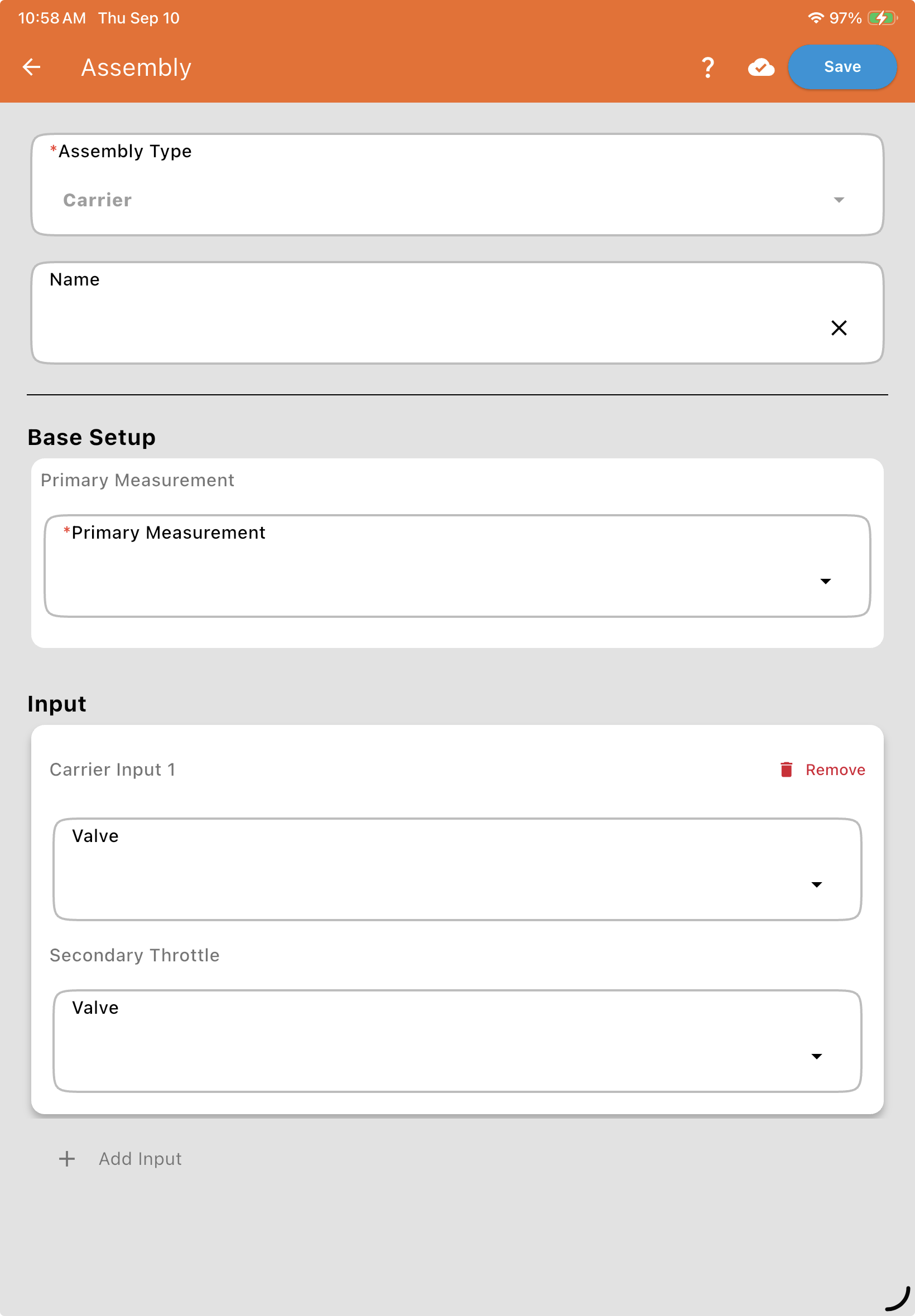
Inputs
Section titled “Inputs”Each Carrier Input (Carrier Input 1, etc.) starts with a Valve Type field — choose CAN bus or Digital:
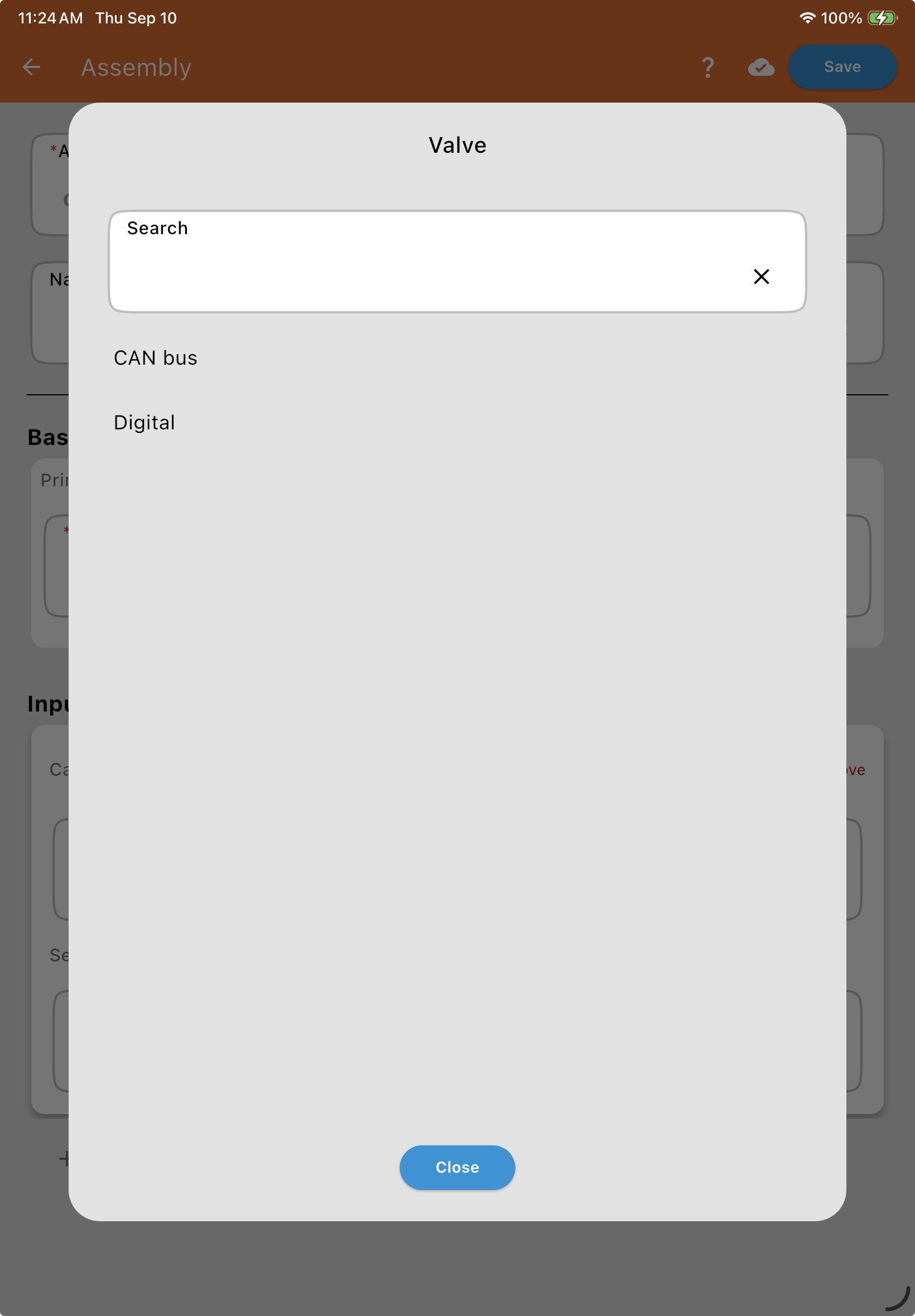
Selecting either option reveals a Name* field, then: for CAN bus, the valve's Valve Information (QR Code)* (its CAN ID and serial number); for Digital, where it's Wired To* (its module and port, since a Digital module can drive more than one valve) and its Serial Number. See Valve and Flowmeter Fields. Both also show an optional Input Calibration (count/L) field to fine-tune the factory calibration.
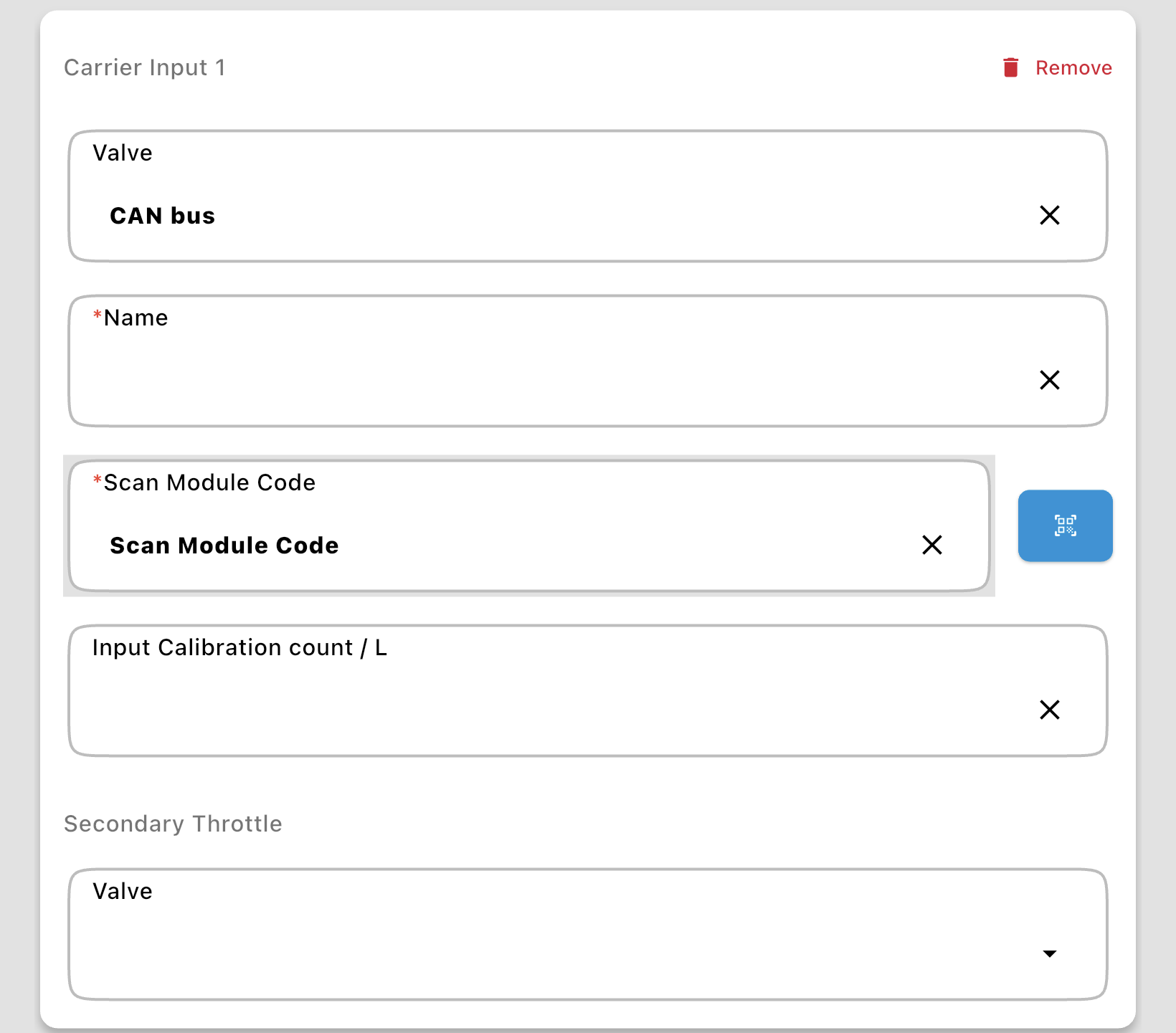
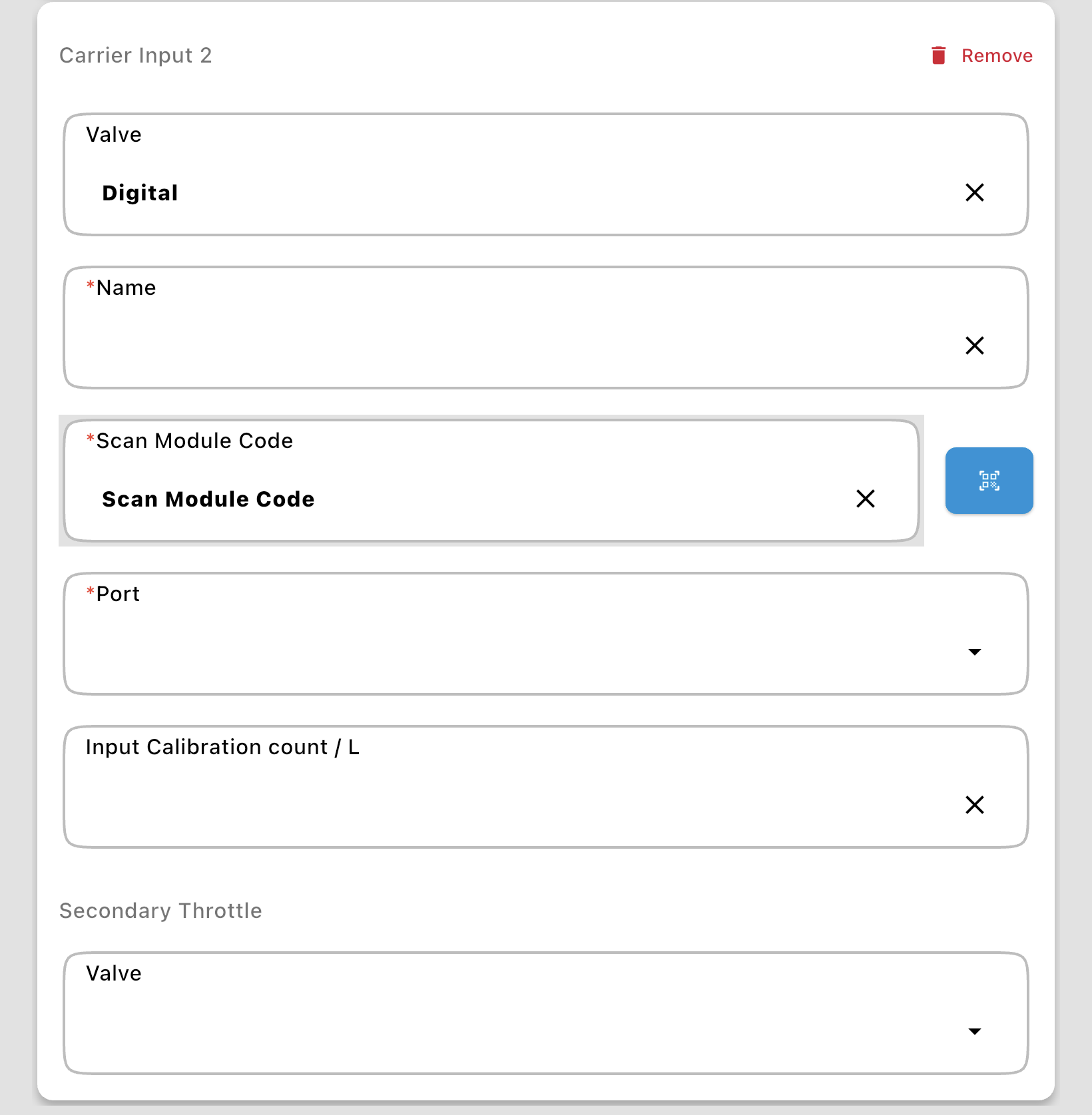
Secondary Throttle: Optional; used if a bypass is plumbed to send carrier directly to the discharge line.
+ Add Input: Adds another Carrier Input.
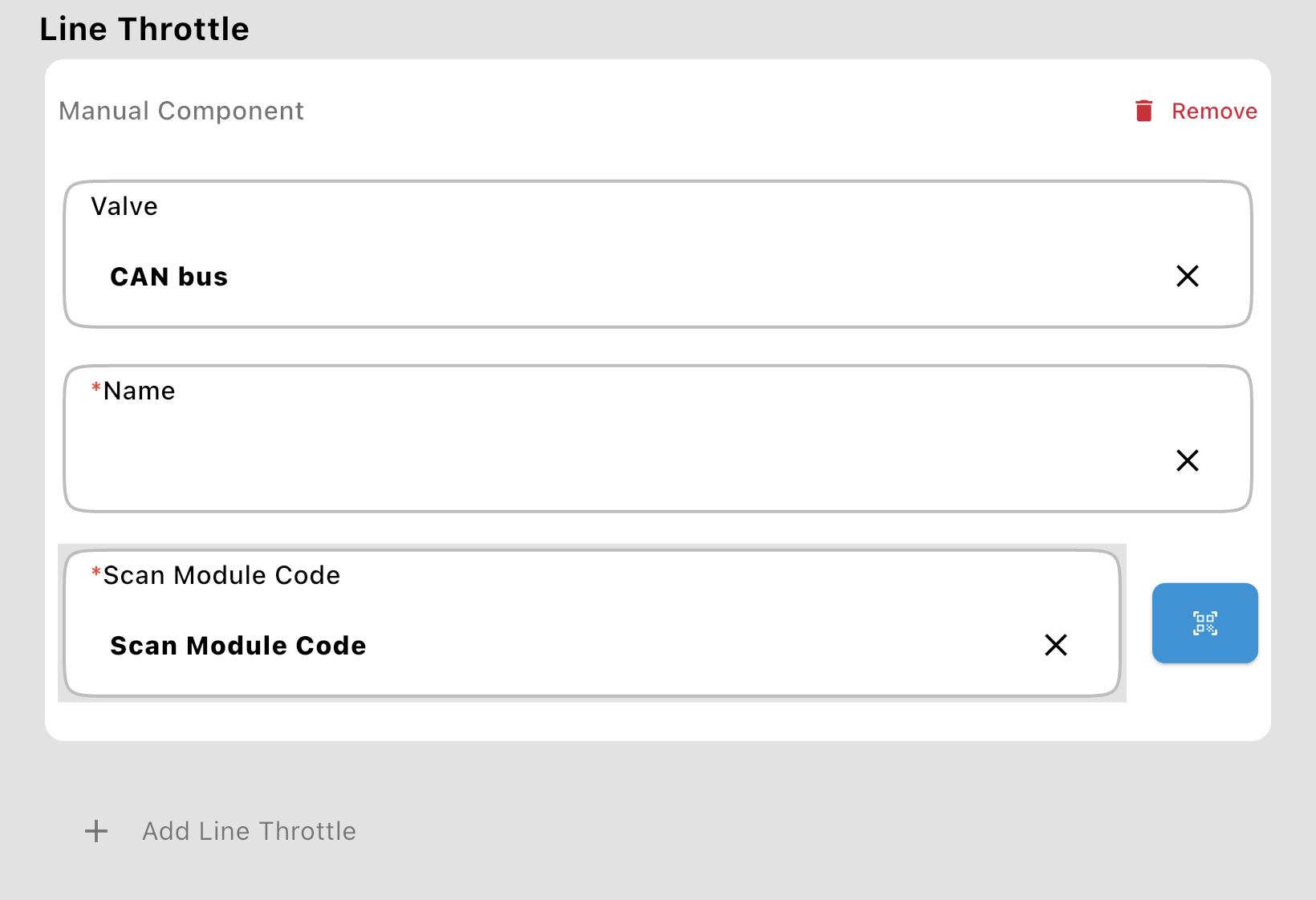
Line Throttle
Section titled “Line Throttle”Used for complex setups (typically industrial) with multiple carrier line throttles — this is where you define the throttles that a Carrier Line Mix Action can trigger a component from. For a visual reference, see the Line Throttle with 2-Way Valves or Line Throttle with 3-Way Valves plumbing diagrams.

Tap + Add Line Throttle to define one: choose a Valve Type (CAN bus or Digital), then enter a Name* and the valve's Valve Information (QR Code)* (CAN bus) or Wired To* and Serial Number (Digital).