Use Totals
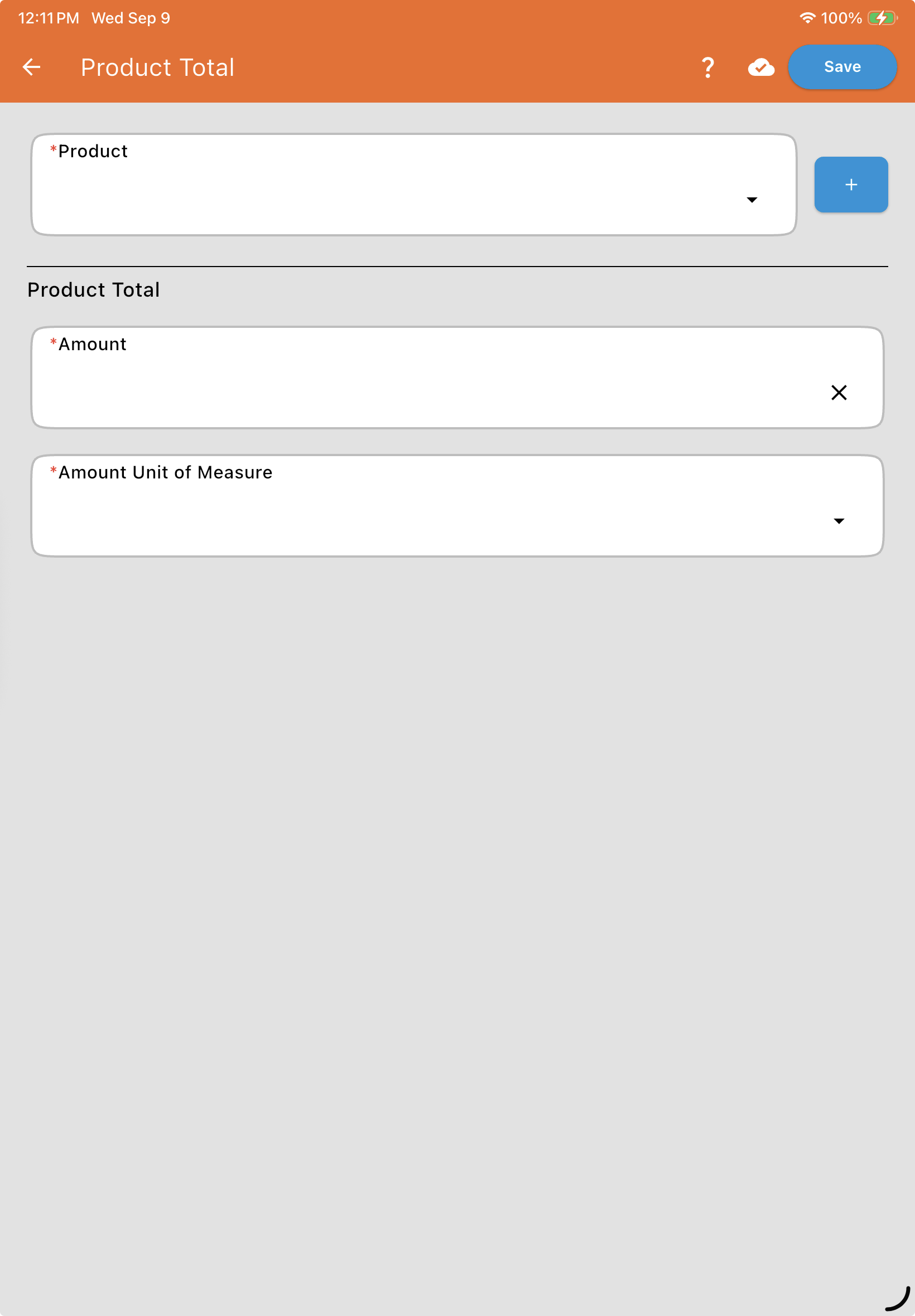
Adding a product looks the same across every Use Totals work order, you are entering the desired amount of that product:
*Product: Select the desired product to be added to the mix.
*Amount: Enter the numerical value for the desired amount of this product.
*Amount Unit of Measure: Select the units for the amount (e.g., Gallons, Quarts, Pounds).
Use Totals Work Order Examples
The two scenarios below are the specific use cases Use Totals is meant for — outside of these, it generally isn’t the style you want to reach for.
Rinse Amount and Units
For every product added, specify the volume of carrier used to flush the lines once that product has been added to the mix. This defaults to whatever was specified on the Product itself when it was set up, but can be customized here if this specific Work Order requires a different rinse volume.