Manual Mode
Manual Mode, Wizards, and Diagnostics Mode: manually operating a Mixmate system outside of a Work Order.
Step-by-Step Entry
Locate the Navigation Bar: Look at the bottom of the Mixmate app screen.
Select Manual Mode: Tap the Manual Mode icon, which is the far-right tab on the navigation bar.
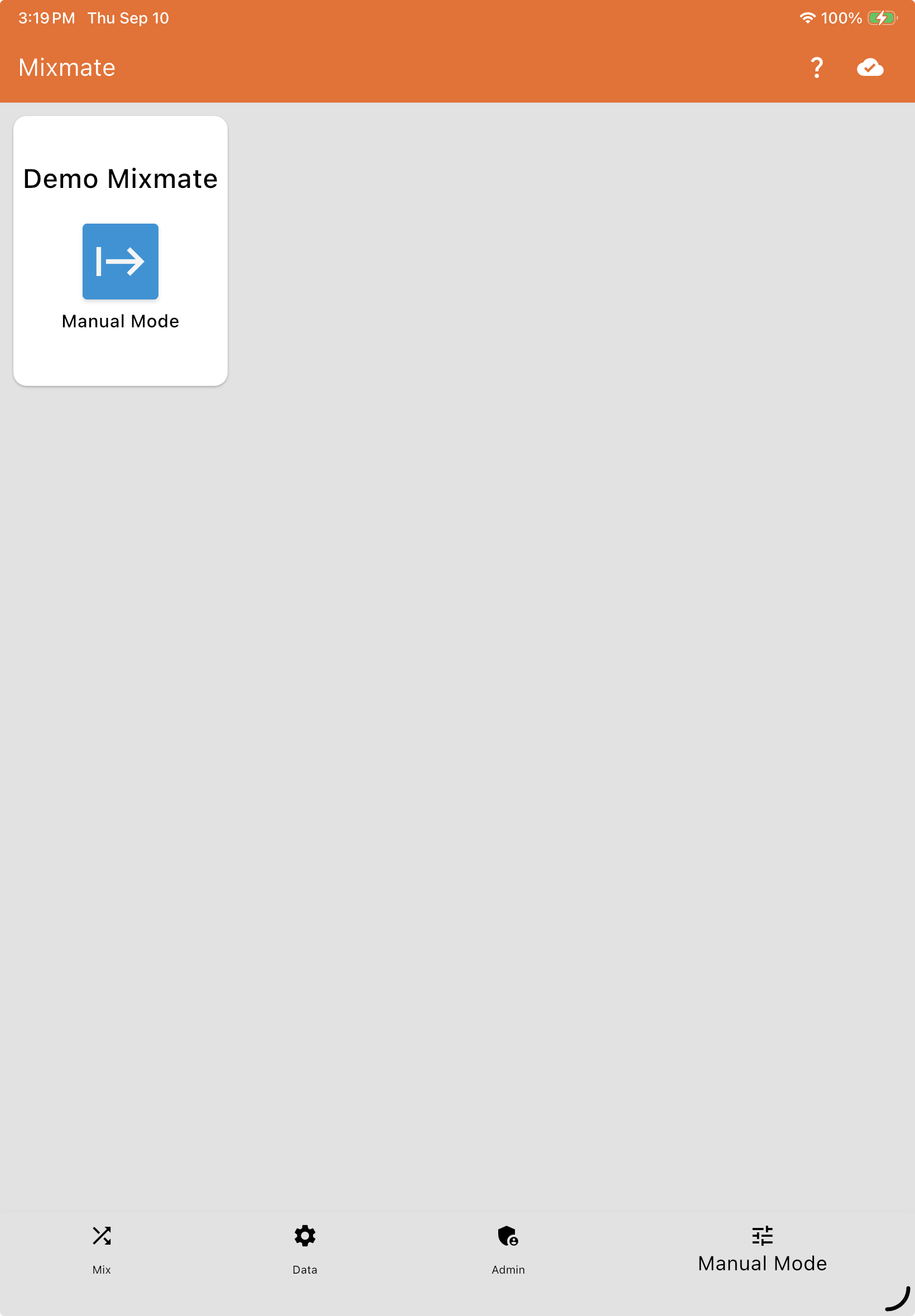
Select Your Machine: If you have multiple Mixmate systems, select the desired machine from the list to open its manual control dashboard.
Choose a Tab: Once connected, the screen opens with three tabs across the top — Manual Mode, Wizards, and Diagnostics Mode. Select whichever one you need below.
Video: Navigating Manual Mode
Manual ModeAutomated input sequencing for moving fluid without a Work Order.
Input Hose Clean-Out ProcedureThe standardized clean-out procedure for product input hoses, used in Manual Mode when switching crops or preparing for winter storage.
WizardsSetup wizards for calibrating and profiling your Mixmate system: Carrier Calibration, Profile Main Pump, Calibrate Scale, and Set Scale Empty Weight.
Diagnostics ModeRaw, low-level control over every valve, motor, and sensor, including partial valve positioning.