Rates
Tier: Premium.
A Rate is a quantity measured with respect to another measured quantity (e.g., Gallons per Acre). In Mixmate, these rates are used within your Work Order to ensure the system calculates the mix properly.
Creating a New Rate
Section titled “Creating a New Rate”Go to Data > Rates and press the blue "+" button in the lower right corner.
Rate Entries
Section titled “Rate Entries”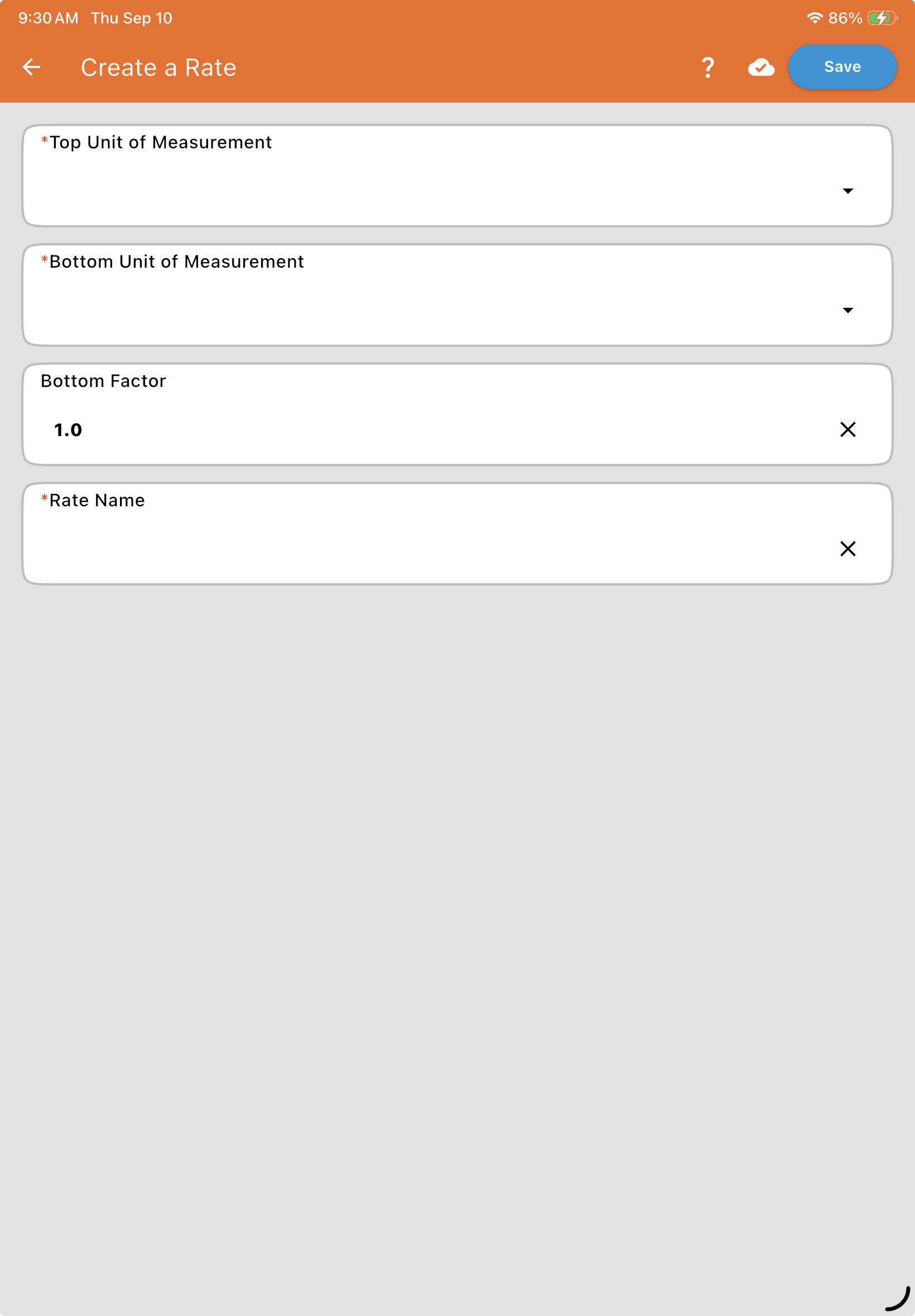
| Field | Description |
| Top Unit of Measurement* | The primary unit you are measuring. For "Gallons/Acre," this would be Gallons. |
| Bottom Unit of Measurement* | The unit you are measuring against. For "Gallons/Acre," this would be Acre. |
| Bottom Factor | This defines the "per" amount and defaults to 1.0. |
| Rate Name* | This is the name generated by the system that will appear in your pick lists. |
Creating a Rate Example
Section titled “Creating a Rate Example”If you want to achieve a rate like "Fluid Ounces per 100 Gallons," you would configure it as follows:
Top Unit: Fluid Ounces
Bottom Unit: Gallons
Bottom Factor: 100.0