Work Orders
A Work Order is a digital plan that defines how to create a specific mix or a set of mixes. It acts as the blueprint for your operation, ensuring accuracy and efficiency at the load site.
Note: If you just need to mix a single product without setting up a Work Order, see Target Mode instead.
1. Creating a New Work Order
On the Work Orders page (Data tab), tap the "+" icon in the lower right corner to start a new Work Order from scratch.
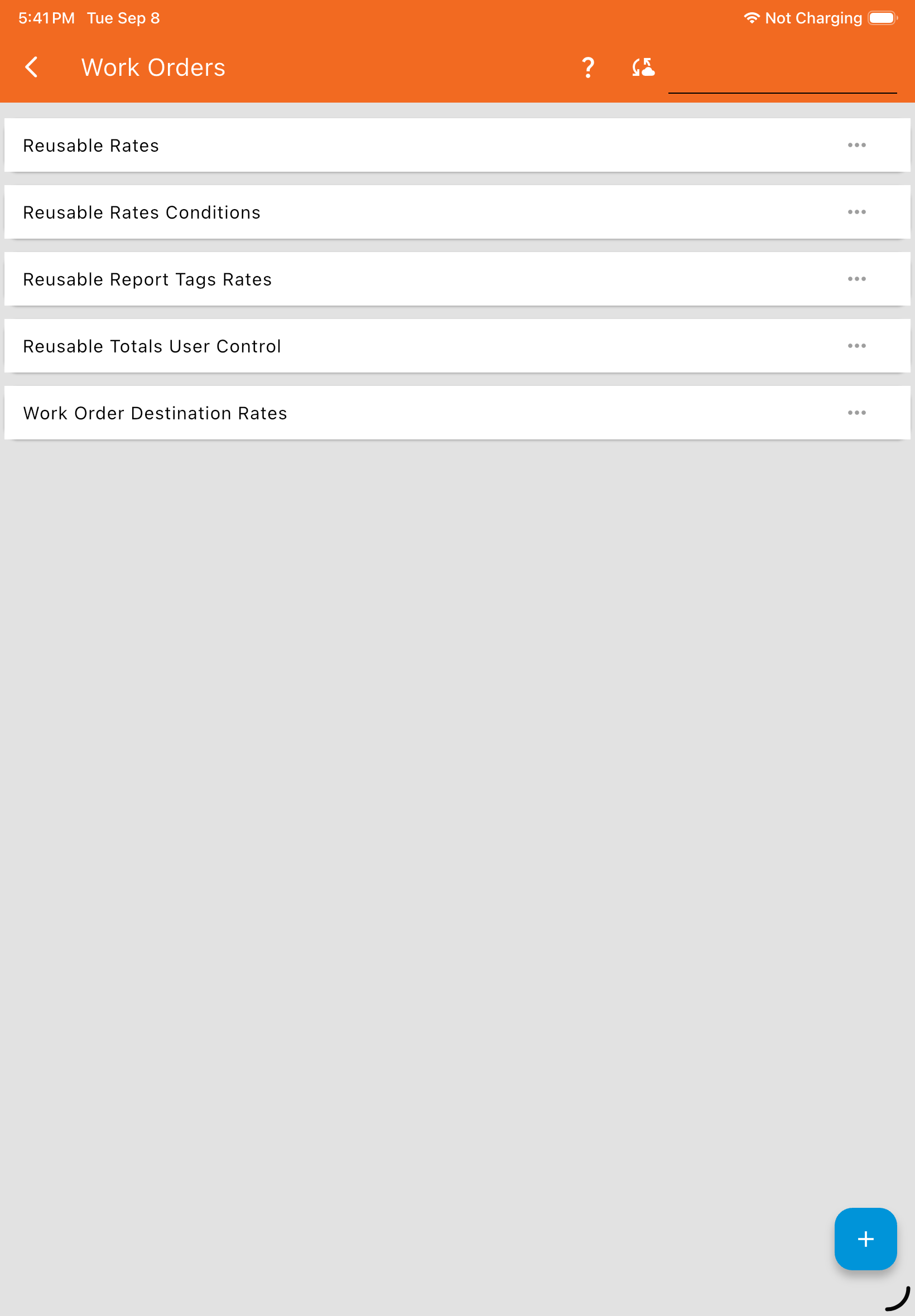
See Creating a Work Order for the full step-by-step.
2. Creating a Copy of an Existing Work Order
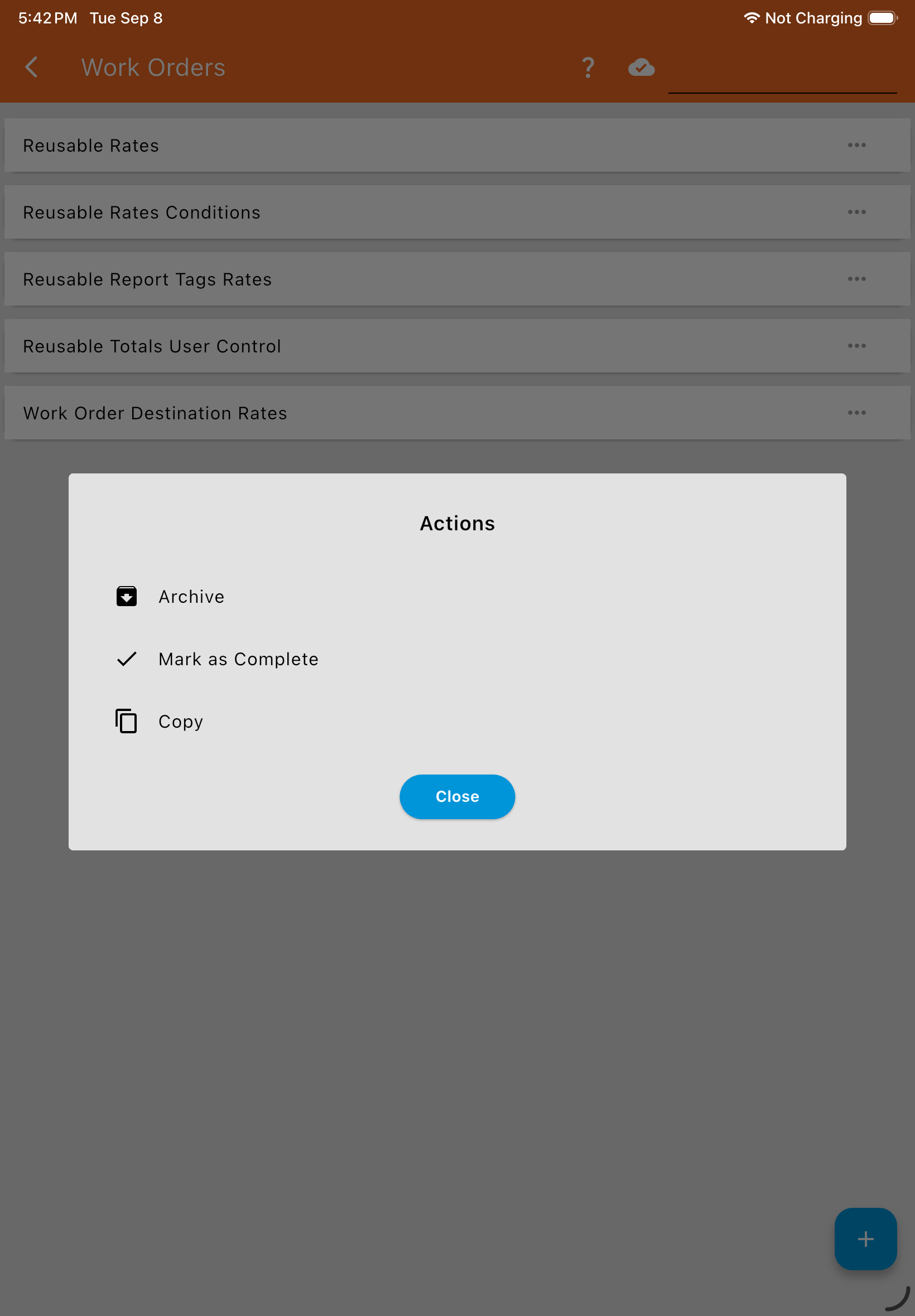
If you want to reuse a previous plan instead of starting from scratch, tap the three dots on an existing Work Order and select Copy.
3. Archiving Work Orders
Tap the three dots on a Work Order and select Archive. Archiving a Work Order hides it from every menu and view in the app. This works the same way for Work Orders as it does for every other item on the Data tab except Mixmates, which cannot be archived.
Restoring: An archived Work Order can only be restored through the Web App, and only within 24 months of being archived. After 24 months with no restore, the Work Order is permanently deleted.
Any Work Order can be archived: Unlike Products or other Data tab items, a Work Order is top-level data — it never references anything else, so there’s no scenario where the system blocks you from archiving one. This is true for both Completable Work Orders and Reusable Mixes.
4. Marking Work Orders Complete
A Completable Work Order tracks progress toward a specific target. Once the total target amount has been mixed, the app asks the operator at the end of that mix whether to mark the Work Order complete. You can also tap the three dots on a Work Order and select Mark as Complete at any time, shown in the same menu above.
Any Work Order can be marked complete — this includes Reusable Mixes and Repacks, not just Completable Work Orders. Marking a Reusable Mix or Repack complete is useful when you’re done using it and want it out of your active list, even though it never had a target to reach. See Work Order Types for which types track progress and ask to be completed.