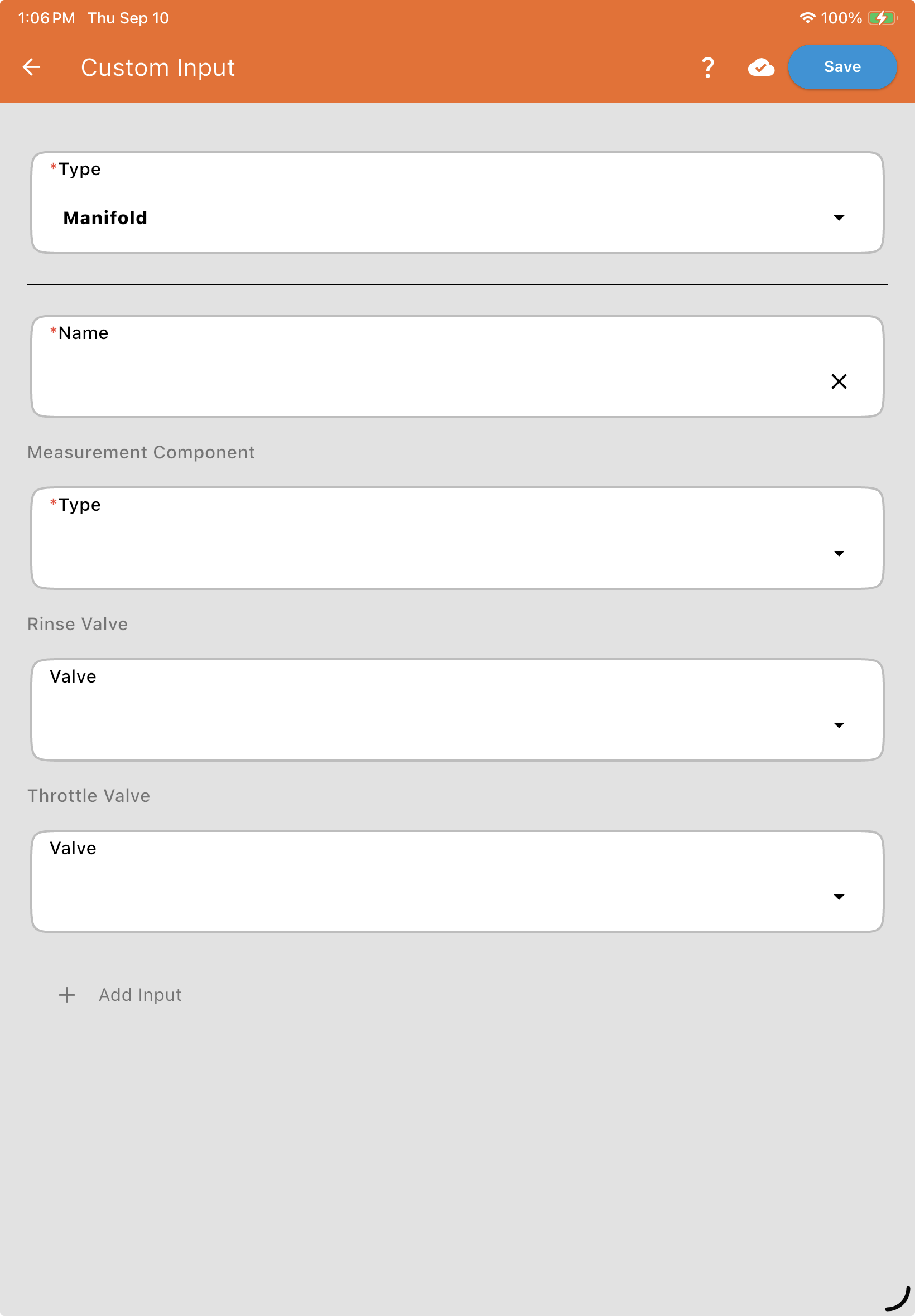
Manifold Type
Used for Custom Stacks using Mass Flowmeters or Repacking Stations using pallet scales.
Name: The name of the manifold or station.
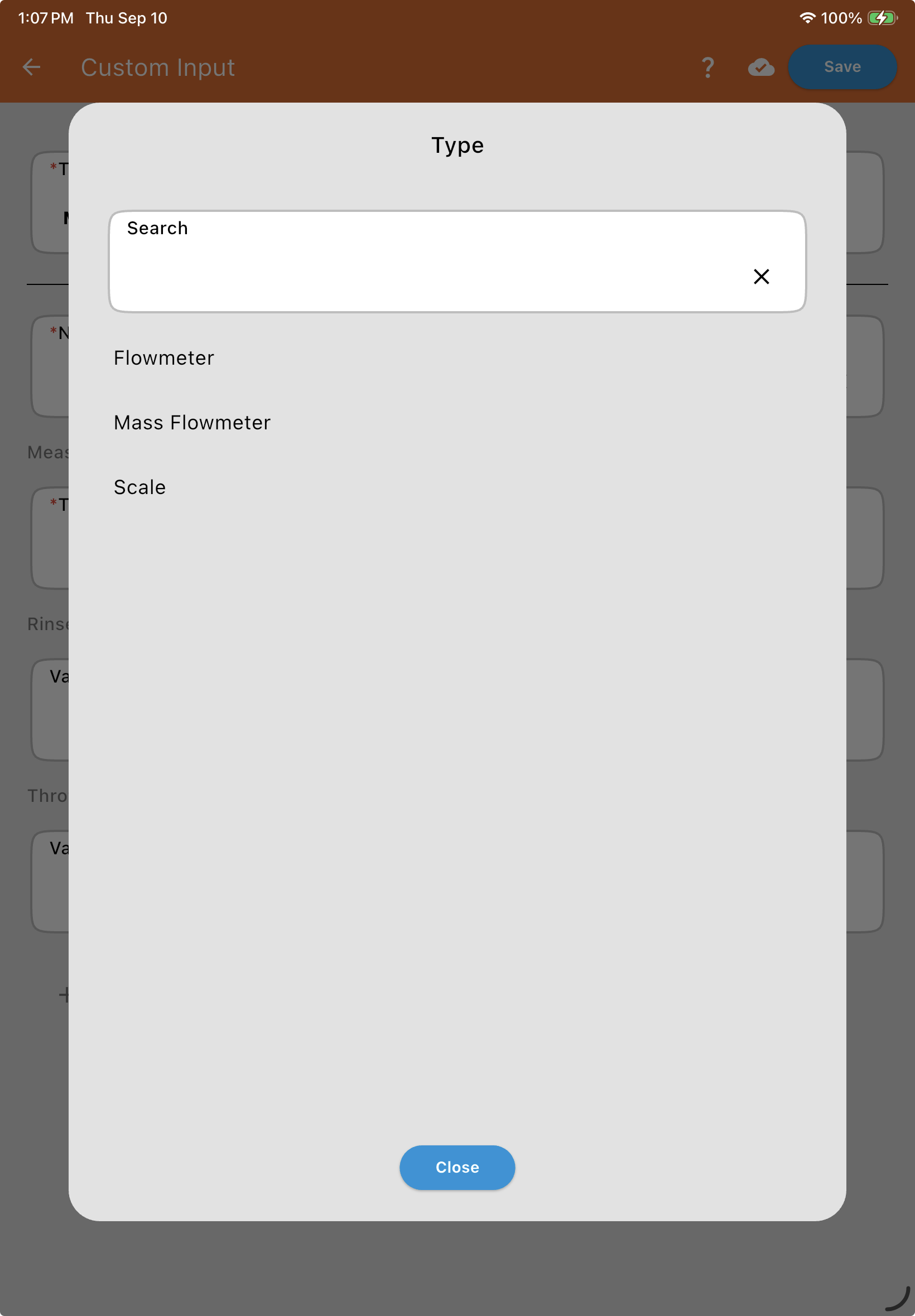
Measurement Component Type: Choose the measurement device for the manifold — Flowmeter (Gear or Mag), Mass Flowmeter, or Scale. Each has its own configuration, covered in its own article below.
Common Valves
Optional, and shared across the manifold no matter which measurement device is chosen. Both can be configured as CAN bus or Digital (see Valve and Flowmeter Fields):
Rinse Valve: Controls the flush cycle for the manifold.
Throttle Valve: The master control valve for the manifold.
Add Inputs
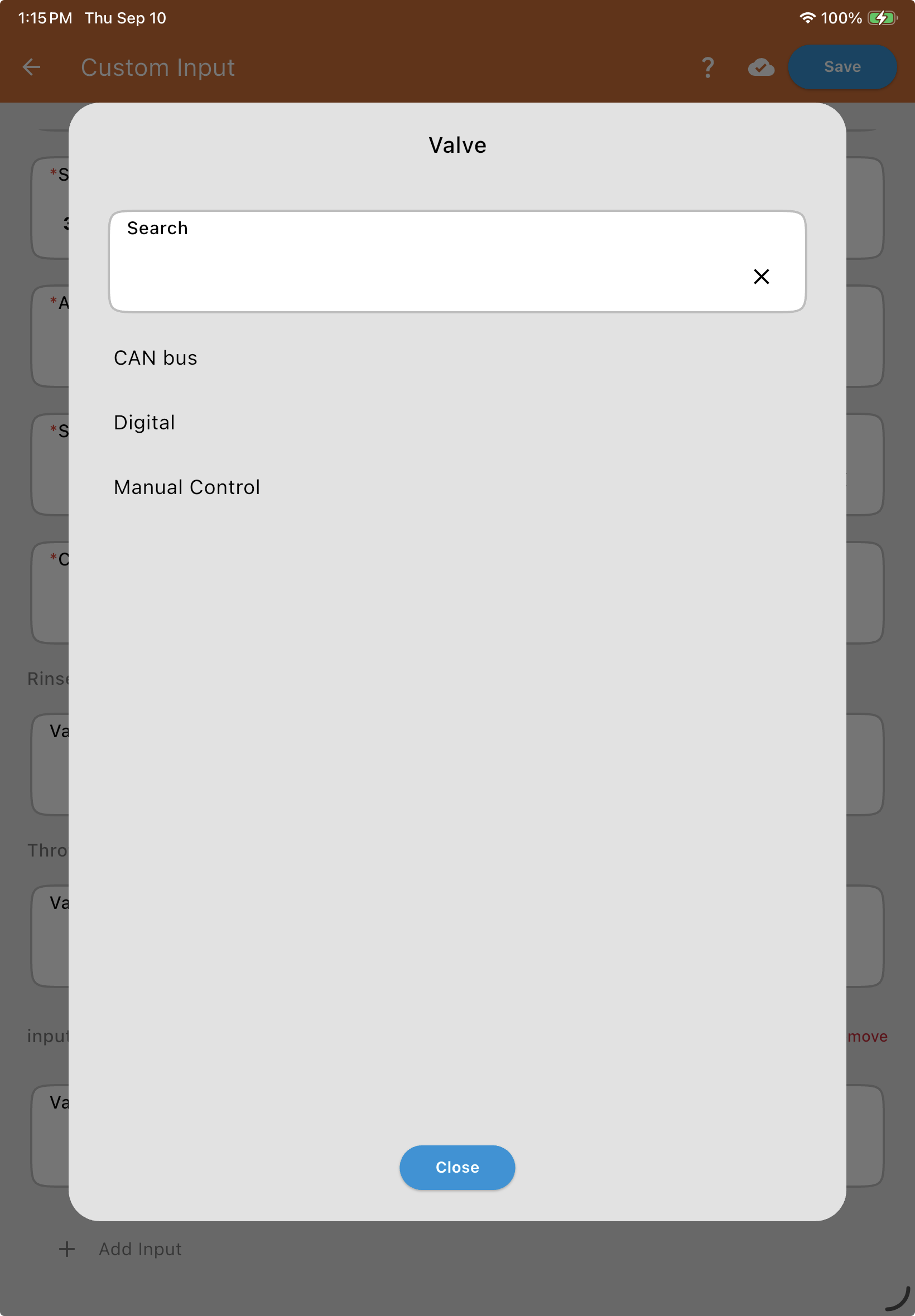
Tap + Add Input to add an individual product input to the manifold — add as many as needed. Each starts with a Valve Type field with three options: CAN bus, Digital, or Manual Control.
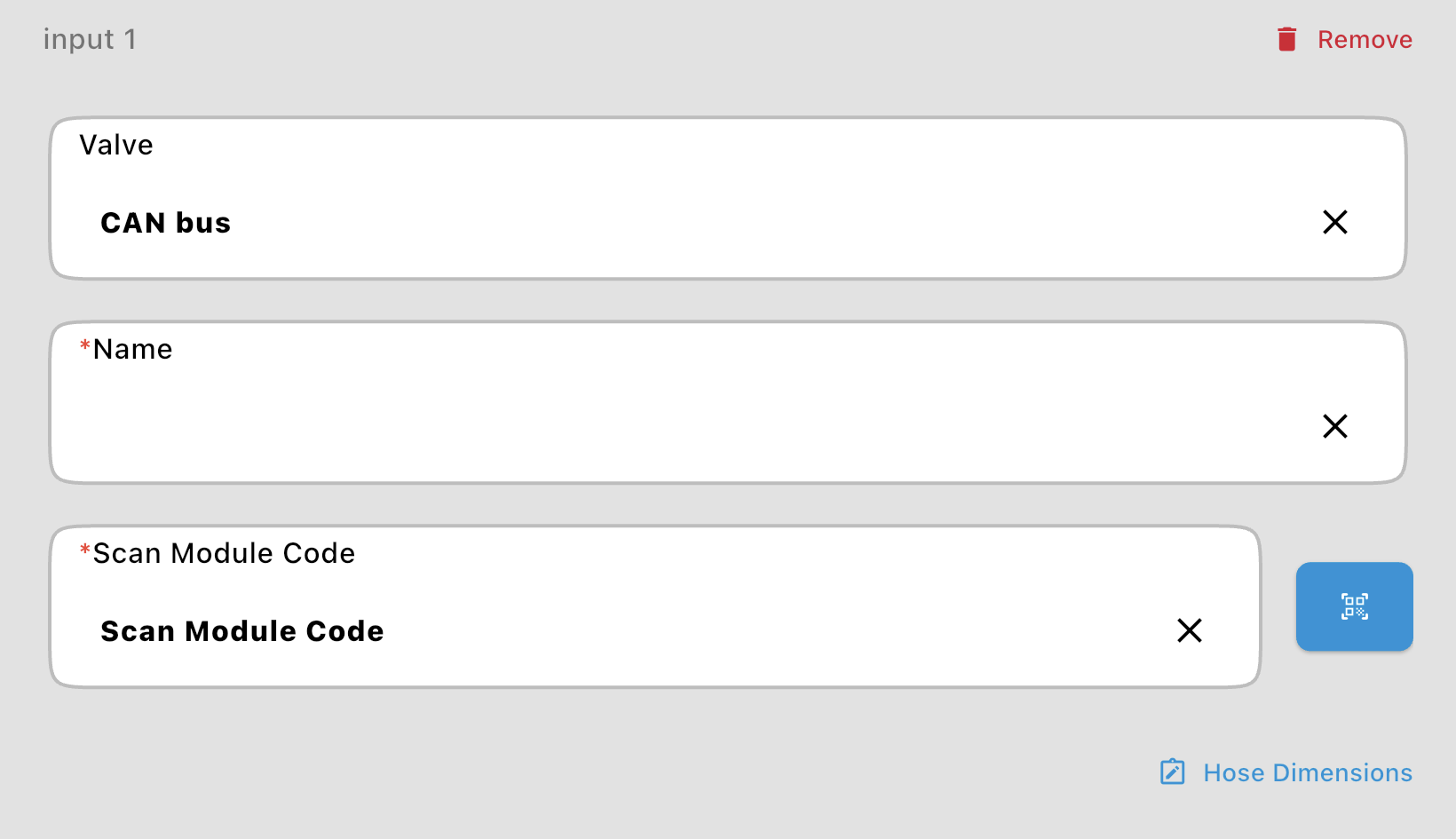
CAN bus or Digital: Reveals a Name* field, the valve’s Valve Information (QR Code) (CAN bus) or Wired To and Serial Number (Digital), and a Hose Dimensions link.
Manual Control: For an input with no automated valve. Lets you enter a Name for the input and set its Hose Dimensions.