Assemblies
The Assemblies tab is where you configure the specific hardware components of your system. Each assembly — such as an Inductor, Stack, or Carrier — is a predefined group of sensors, modules, and valves that work together.
Creating a New Assembly
Start: Press the blue "+" button in the lower right corner.
Identify: Either scan the assembly QR code or tap the entry field to enter the data manually.
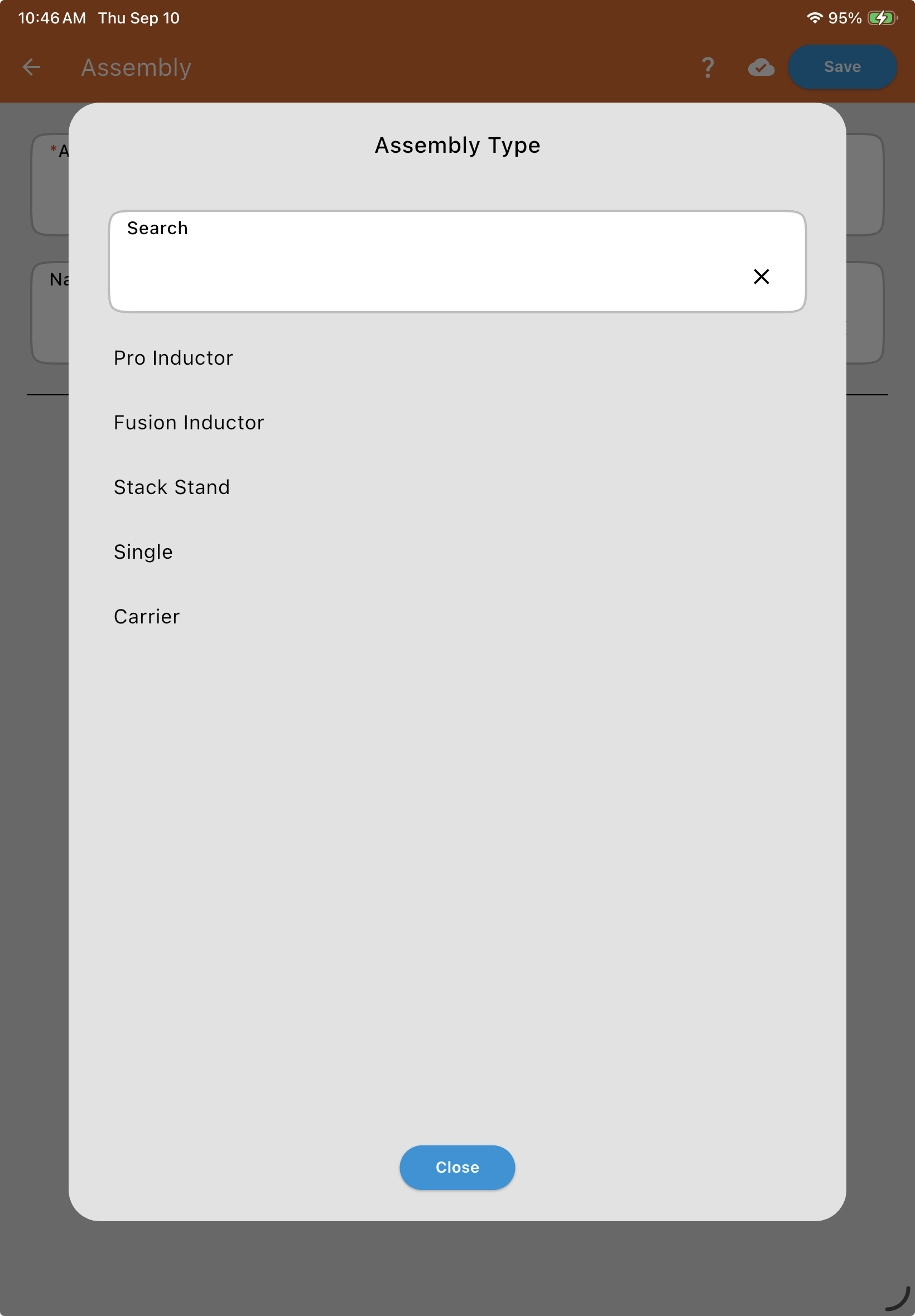
Manual Entry: Select Type: Choose from Pro Inductor, Fusion Inductor, Stack Stand, Single (for Flow Single hardware), or Carrier.
Name: A label used solely to identify this specific assembly — helpful if you have more than one of the same type (e.g., two Pro Inductors).
Pro Inductor AssemblyInductor Module, Scale Calibration, Scale Reaction Speed, Drain Valve, Input Valves, and the Closed Jug attachment.
Fusion Inductor AssemblyInductor Module, Scale Calibration, Scale Reaction Speed, Drain Valve, and the optional attached Stack.
Stack Stand AssemblyModule, Stack Throttle Valve, Stack Flowmeter, Plumbing Inputs, and dual-stack setups.
Single AssemblyFlow Single hardware: Name, Measurement type, and Throttle Valve.
Carrier AssemblyPrimary and Secondary Measurement, Holdback Settings, and Carrier Inputs.