Running Mixes
Esta página aún no está disponible en tu idioma.
Your Mixmate SI comes ready to use right away. You do not need to buy anything extra to start mixing. This guide shows you the simple way to run a mix, called Target Mode.
What is Target Mode?
Section titled “What is Target Mode?”Target Mode is the easy way to tell the machine what to do. You type in the name of what you are adding and how much of it you want. The machine does the rest.
Open the Mixmate app and go to the Mix tab. You will see Target Mode.
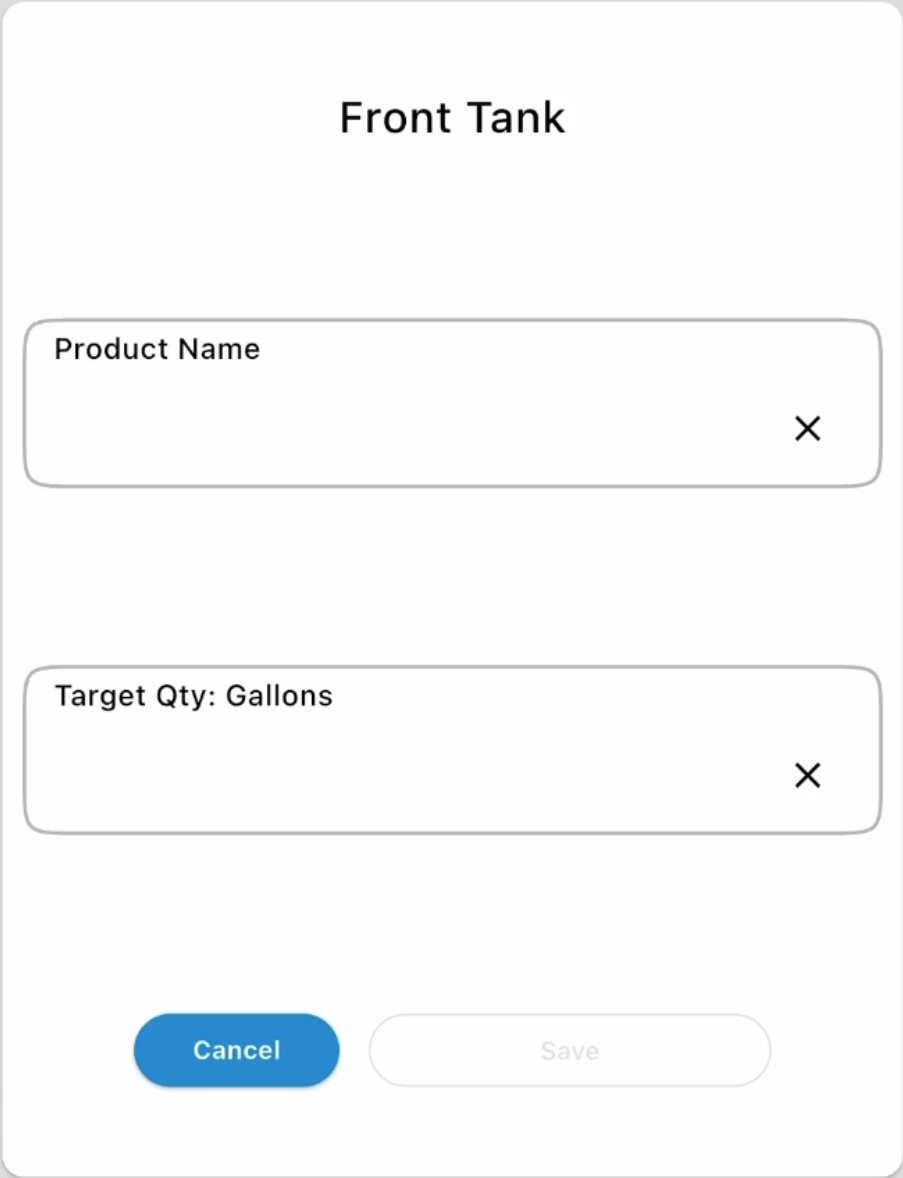
For each input, type the name of the product you are using (for example, "Water" or "Herbicide").
Type the amount you want for that product. Your Mixmate SI inductor lets you enter target amount as either a weight (like pounds) or a volume (like gallons) — whichever is easier for you. The stack and carrier inputs will always be in the volume units of measure set in Group Settings
You are able to add more than one inductor product, all other inputs are fixed to having 1 target amount.
Start the mix from the screen. The machine will measure and add each product for you.
Watch a Video
Section titled “Watch a Video”Seeing it in action is the easiest way to learn. This video shows the exact steps above:
Want to Do More?
Section titled “Want to Do More?”If you decide to upgrade your subscription later, you will unlock more features, like saving Work Orders and tracking detailed records. Those features are covered in the rest of the Using the App section.